Rostraver Public Library & Smithton Public Library
Menu
  • Programs
    • Children
    • Tweens & Teens
    • Adults
  • About Us
    • About
    • Photos
    • Policies
    • Employment Opportunities
  • Support Us
    • Become a Volunteer!
    • Donate Now
    • Ways to Donate
    • Fill a Bag of Books
    • Raise the Roof Campaign
  • Resources
    • Catalogs
  • Smithton Public Library
Menu

Author: Laura Daugherty

Library Tour: Quiet Room and Study Spaces

Posted on December 26, 2019December 28, 2019 by Laura Daugherty

Are you looking for a change of scenery to work on homework, paperwork, job assignments, and other projects? The library offers several work areas for you to relax and focus on your tasks.

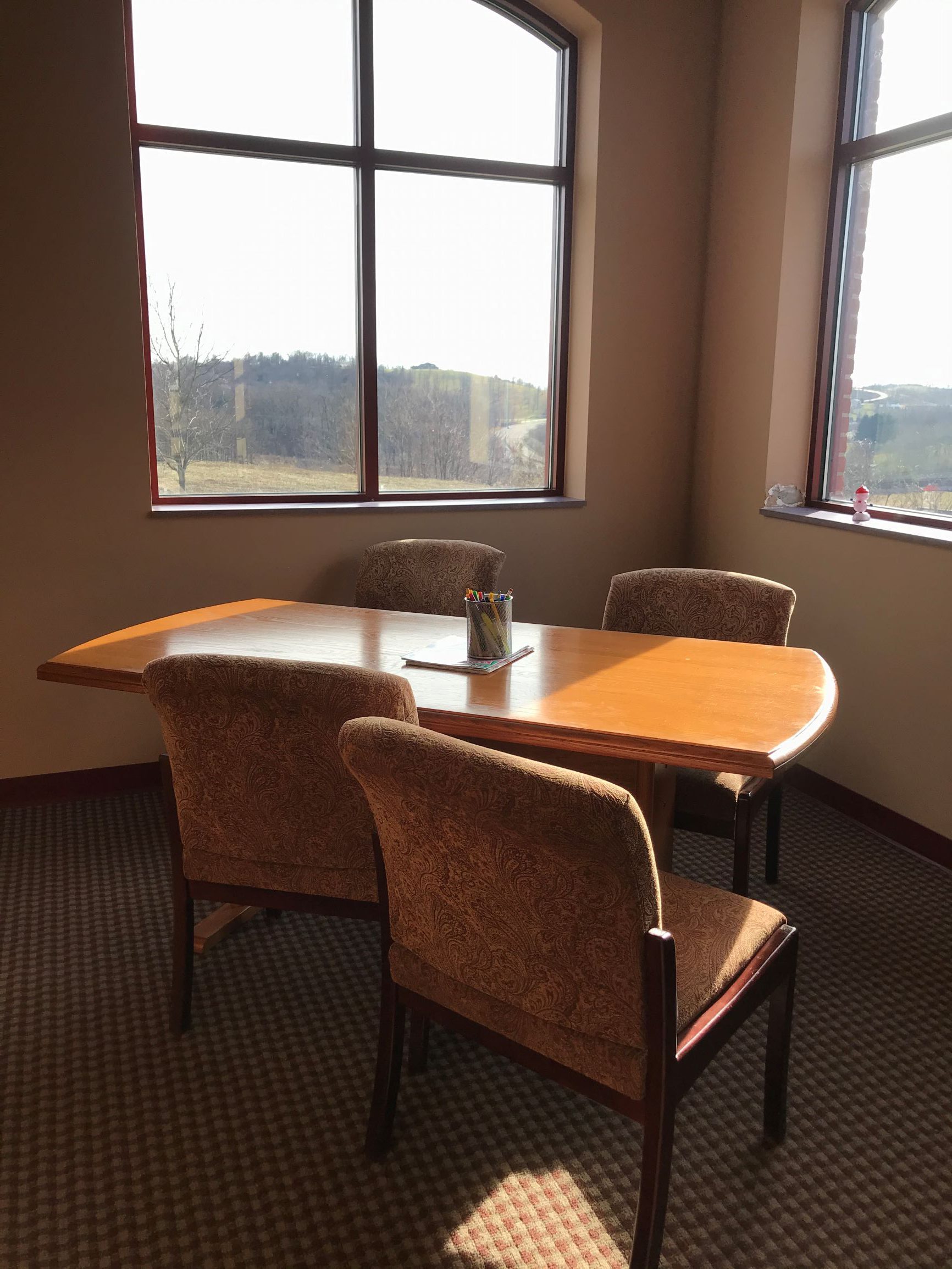
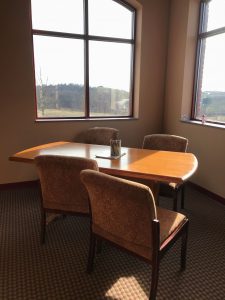
This section of the virtual library tour makes quite a few stops since we prioritize space for patrons of all ages to learn and work comfortably. Our main location set aside for silent work time is the quiet room. Closed off from the rest of the library, the quiet room holds a recliner, small stand, and large table with four chairs. With the door closed, this room provides a peaceful, well-lit work space for one or multiple people.

This quiet room is available on a first-come, first-served basis. As long as you have a library card, you are welcome to use this space. However, if other patrons are waiting to use the room, we ask you to honor a 3-hour time limit.
The quiet room is available first come, first served.

The same policy applies to the PA Room. This space is another option if the quiet room is unavailable. However, the PA Room contains books that may need to be accessed by patrons and/or staff during your session. The SMART Board is also kept in this room. If you are interested in using this technology, please refer to our policy here.
The PA room has a new long table with room for at least eight people.

Aside from these rooms, there are many tables available throughout the library. A recent addition is our two dry-erase top tables. Whether you are studying in a group, teaching a concept, or brainstorming ideas, these tables provide a convenient canvas for your thoughts. As an added bonus, these tables are equipped with charging ports for your devices.
We provide markers for our dry erase tables.

Our other work spaces include four long wooden tables (seats 4-6), two small circle tables (seats 2), and 2 square tables (seats 3) that are scattered throughout the library. Between all these options, there is almost always a place available for the work you need to do.
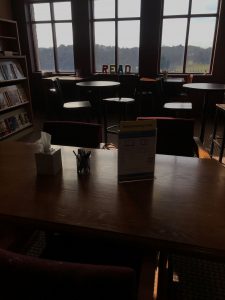
The library also provides eight computers for the public to utilize for 90-minute sessions (time extension is available at the front desk unless someone is waiting to use a computer). If you need to print a document, our printing fees are $0.15 per black and white page and $0.25 per color page. With our newly adopted technology called Princh, you can also print from your mobile device or laptop for the same cost.
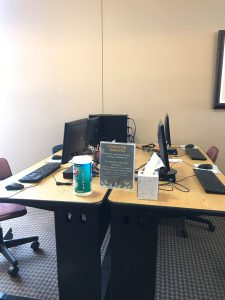
Both patrons and guests may use the computers.

Whether you need books/resources, a space to focus on group work, a peaceful time to study, or all of the above, Rostraver Library encourages an environment of learning and collaboration. Visit us to try out one of our spaces or take a moment to relax with a book at one of our tables next time you stop in.

If you would like to see this level of services continue, please make a donation to Rostraver Public Library. You can donate directly by clicking this link.

Thank you for your support.


Keep up with our services and events by following us on Facebook, Twitter, and Instagram.

 

Power Library Tip #2: Auto Repair Source

Posted on December 2, 2019December 2, 2019 by Laura Daugherty

Among the many resources available through Power Library, one particular database is an invaluable household tool. The Auto Repair Source database allows you to investigate solutions on how to fix a problem with your vehicle. It allows you to find “the most accurate, authoritative and up-to-date service and repair information for thousands of domestic and imported vehicles. All content comes from the Original Equipment Manufacturer (OEM) and includes step-by-step repair information, diagrams, maintenance schedules, parts and labor estimates, service bulletins and recalls.”

Let’s walk through a sample repair using Auto Repair Source. Example: You have decided to replace and repair the brakes shoes on your 2014 Ford Focus SE.  Start by visiting Rostraver Public Library’s website and then click on the Power Library icon found on the right hand side of the screen. It looks like this:

Scroll down until you see the icon link for Auto Repair Source. It looks like this:

Click on the Auto Repair Source icon. The first step is to select the correct information in the drop-down box to identify your vehicle: Year, Make, Model, and Engine.  In our example, you would choose 2014, Ford, Focus SE and 2.0L.

Once you have identified your vehicle, a long alphabetical list of potential repair categories displays on the left starting with AIR BAGS and ending with WIRING DIAGRAMS. (Other categories include air conditioning & heater, brakes, electrical, exhaust, fluids, parts & labor, tires and many more!)

Since you are interested in replacing and repairing the brakes on your vehicle, you will need to scroll down and click on the category BRAKES.  At this point, you must now choose the exact brake category from more than 30 offered.  Scroll down and click on Brake Shoes R&R.  Auto Repair Source now displays eight (8) steps that will walk you through the replace and repair of the brake shoes. At this point, you can choose to print the text of the instructions OR print the text of the instructions with images. (In this example, there is one image illustrating the repair.) If you click on the image itself to get a closer look, you have the option to increase or decrease the size of the image.

In addition to information on replace and repair, Auto Repair Source also provides information on parts and labor.  For parts, simply go to the category in the alphabetical list then click PARTS & LABOR -> Parts ->  Brakes -> Brake Components -> Rear Shoes to get the part number you will need and approximate cost. For labor, simply click on PARTS & LABOR -> Labor ->  Brakes -> Brake Components to see approximate Factory Time and Motor Time needed for the repair and the estimated labor cost.

Power Library is made possible in part by Library Services and Technology Act (LSTA) funds from the U.S. Institute of Museum and Library Services and through Library Access Funds administered by the Office of Commonwealth Libraries, Department of Education, Commonwealth of Pennsylvania, Tom Wolf, Governor.

Power Library Tip #1: Using the Books and Authors Database

Posted on November 7, 2019November 7, 2019 by Laura Daugherty

New to our blog is a series that focuses in on the resources available through Power Library. Power Library (Pennsylvania’s Electronic Library) is a collection of databases available to members of the Westmoreland Library Network (WLN) which includes Rostraver Public Library cardholders. The databases in Power Library include Academic OneFile, Educators Reference Complete, Health & Wellness Resource Center, InfoTrac Newsstand, Kids InfoBits, and more. You can find Power Library by clicking this icon on our homepage:

The first Power Library database to be featured on our blog is Books & Authors where you can discover fiction and non-fiction books that match your interests! Books & Authors (powered by Gale’s popular What Do I Read Next? series) is for readers from every level of reading proficiency. This resource enables users to explore the endless possibilities and combinations of books, authors, and genres from more than 240,000 titles. More than 54,000 authors are represented via biographies, and over 40,000 nonfiction titles are included in business, biography, science and more. Fiction selections reflect the genres readers like best: mystery, science fiction, inspirational, popular romance, western, horror, and fantasy.

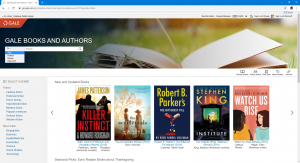
The Books & Authors homepage (as pictured below) is easy to navigate. You can search for books by title, author, series, or keyword. You can also browse New & Updated Books, Seasonal Picks, and Spotlight books on the homepage.

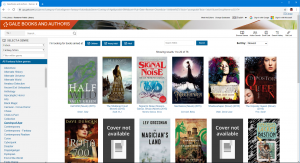
You can also browse books by genre and sub-genres within that category. For example, you can browse titles in Fiction -> Fantasy Fiction -> Coming-of-Age. You can also specify the age range of the books by selecting or deselecting Children, Young Adult, and Adult at the top of the search page.

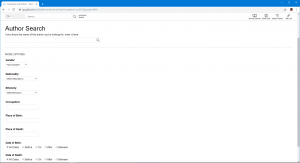
You can also search for authors by name, gender, nationality, ethnicity, occupation, or place of birth/death.

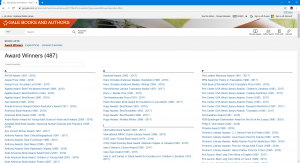
Finally, Book Lists lets you browse recommended reading lists created by librarians and subject experts. The three categories are Award Winners, Expert Picks, and Librarian Favorites.

To search Books & Authors and for more information about all the Power Library databases, please visit the library’s website at www.rostraverlibrary.org and click on the Power Library icon.

Power Library is made possible in part by Library Services and Technology Act (LSTA) funds from the U.S. Institute of Museum and Library Services and through Library Access Funds administered by the Office of Commonwealth Libraries, Department of Education, Commonwealth of Pennsylvania, Tom Wolf, Governor.

Keep up with our services and events by following us on Facebook, Twitter, and Instagram.

Library Tour: Meeting Room

Posted on October 31, 2019December 28, 2019 by Laura Daugherty

This stop on the library tour brings us to the meeting room. The ample space in this room makes many different types of programs possible. Whether it is our Movie Matinee, Cookbook Club, Summer Reading Quest, Tech Night, Chair Yoga, or Book Club, the meeting room sees a lot of different activities for all ages.

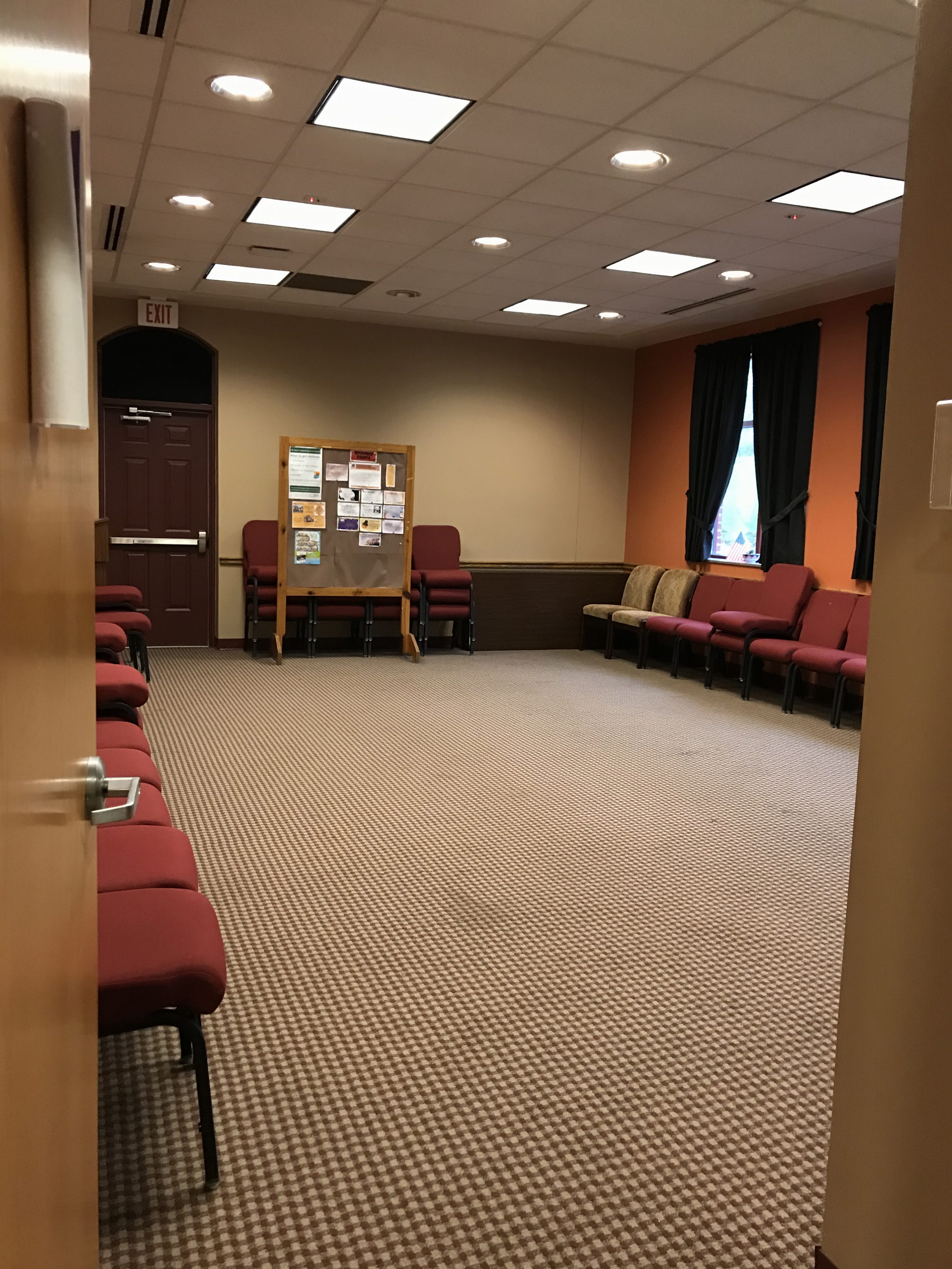
The tables can be arranged to suit the event and number of people attending.

When you first enter the library, the meeting room is the first door on the right. The room holds approximately six tables or provides a wide open space when the tables are folded up. There are always 40 chairs available in the room, but a few more can be added if the event requires.

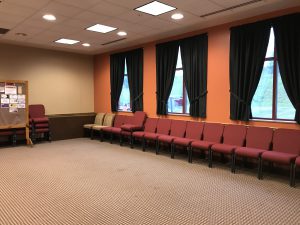
Without the tables, the meeting room provides a nice space for more active programs.

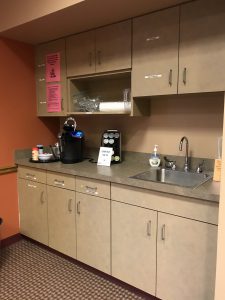
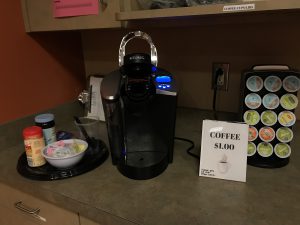
At the front of the meeting room, you can find a podium and a bulletin board with all of our upcoming events. A dry erase board is also available at the library and can be easily moved into this room for events. On the opposite wall, there are several cabinets with supplies, a sink, and a coffee station. Coffee or tea is available for purchase at the rate of $1.00 per cup at any time during library hours.

The meeting room includes a sink and coffee station.

You may pay for your hot beverage at the circulation desk. If we are running low on coffee or tea or you are looking for a certain kind, please inquire at the desk and we will check our supply for you.

Check out our beverages for sale next time you’re in the library! Please note that drinks are not allowed near the computers.

If you are interested in reserving the meeting room, please consult our facilities usage policy that can be found on our Resources page. After filling out the form, please mail it or drop it off for review by our director. Call us at 724-379-5511 with any questions.

If you would like to see this level of services continue, please make a donation to Rostraver Public Library. You can donate directly by clicking this link.

Thank you for your support.


Keep up with our services and events by following us on Facebook, Twitter, and Instagram.

Dance Around the World

Posted on October 17, 2019October 17, 2019 by Laura Daugherty

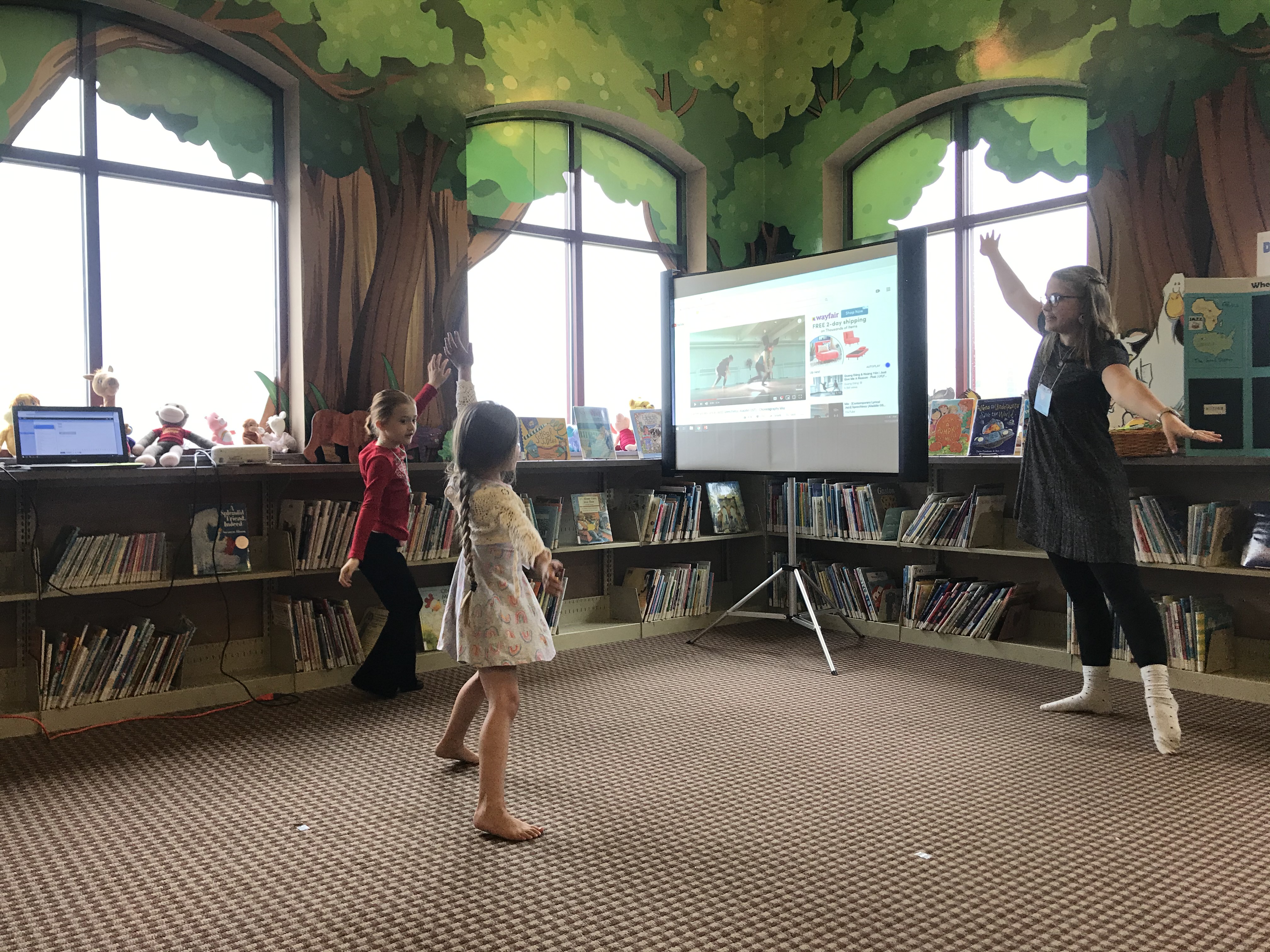
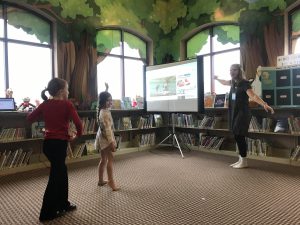
Last week on Saturday, October 12, our Dance Around the World (DATW) program kicked off with the Jazz session. In this 8-month program, participants 6-8 years old enjoy an hour of movement, learning, and creativity based on the featured dance.

At RPL, we offer Tiny Tykes for ages 1-3 and Storytime for ages 3-5 every week. After hearing a few patrons ask for a program for children who are too old for these programs, Dance Around the World was created. Since this program is focused on the kids who are leaving Storytime, it acts as a transition from Storytime to an introductory book club. After every session, participants can choose one or two themed books and take them home. Over the next month, they can explore their book(s) and record any interesting facts or stories on their handouts. They can then share their findings with the group during the first 5-10 minutes of the next DATW session. This way, the kids can practice the listening and communication skills involved in discussion.

Attendees learn a few jazz steps.

Here’s a look at our typical schedule for DATW sessions:

  • Introductions (if there are new attendees)
  • Review and discussion of last month’s dance and books
  • Attendance activity
  • A look at history, geography, fun facts, and videos related to the dance
  • Warmup/Stretching
  • Learning dance steps
  • Dance time
  • Craft/Activity
  • Wrap-up and checking out books
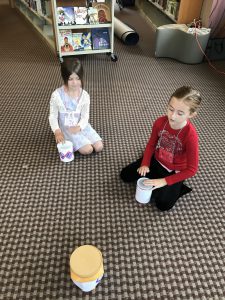
Playing drums to jazz music to learn about beat and improvisation!

Each child receives a folder to hold their name tag, handouts, schedule, and any other materials. Since the program is once a month, the collected materials and review time help the attendees remember what was already covered and compare each dance to the next.

In November, we will focus on Flamenco dancing. Check our events page, calendar, and social media to keep up with the dance of the month. Attendees do not have to attend every program to participate. As long as there is space open, your child can jump in at any time.

The most important thing to remember about this program is that there is no pressure to memorize facts or dance steps. Attendees are not expected to like every dance or find every book that they check out to be interesting. The goal of DATW is to be exposed to different cultures, countries, music, and art. When we worry less about memorization and focus on having fun, learning becomes a favorite activity.

No skill is required to participate – just a willingness to try and have fun!

This program will continue until May. Call the library (724-379-5511), stop in, or register online to reserve your child’s spot.


If you would like to see this level of programming continue, please make a donation to Rostraver Public Library. You can donate directly by clicking this link.

Thank you for your support.


Keep up with our services and events by following us on Facebook, Twitter, and Instagram.

Reading to the Therapy Dog

Posted on September 26, 2019September 28, 2019 by Laura Daugherty

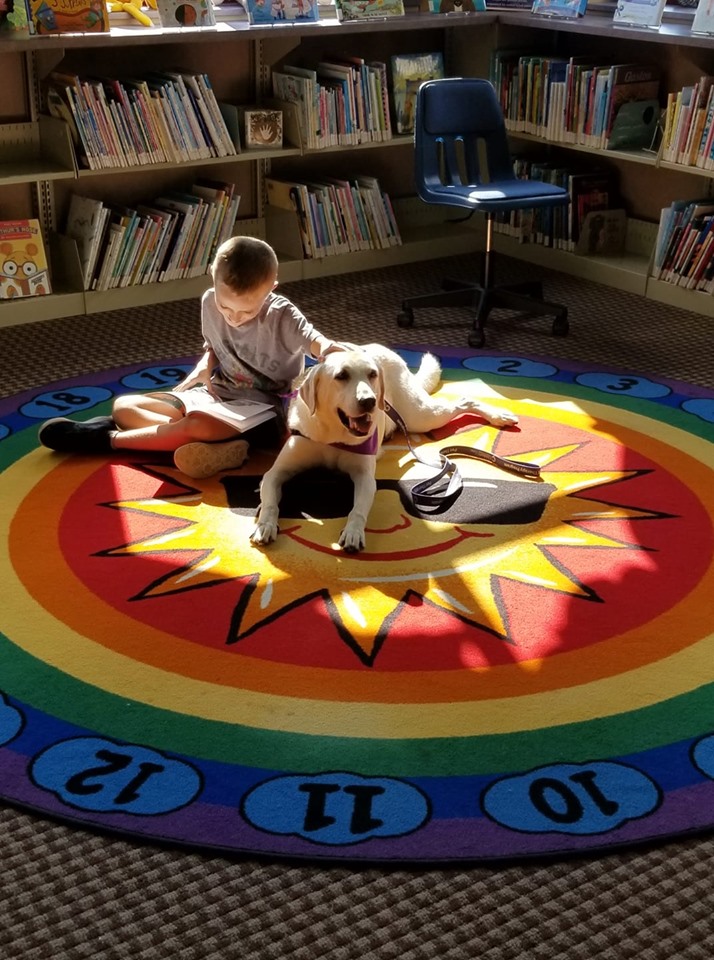
Last year, the library welcomed a friendly and furry face for a program that dedicated a time and space for students to practice their reading skills. Our “Reading to Man’s Best Friend” program ensured children a safe space to practice reading but also associate reading with a positive environment.

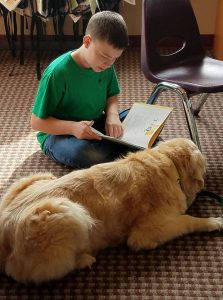
The first therapy dog who helped us with this program was “Nugget,” a sincerely loving golden retriever who made any person – whether they were child, guardian, patron, or employee – feel special and joyful. After many months of visiting Rostraver Library, Nugget sadly passed away. We will always remember his service to the library.

Nugget helped many children feel safe and special while they practiced reading.

The program provided such joy and comfort to the library that we decided to carry on Nugget’s legacy by asking another therapy dog to help us out. Starting two weeks ago on Tuesday, September 17, Ciel the Therapy Dog and his owner, Linda, began visiting from 4:00-5:00pm. Ciel has already become best buds with patrons and staff at the library. He uplifts us every Tuesday with his playfulness and wagging tail!

You may reserve a 5 minute time slot for your child to read to Ciel. Right now, there is plenty of space open, so your child may have extra time with Ciel (unless all of the spots fill up). During the time slot, the child is invited to sit down with Ciel and explore a book. They can either bring a book from home or pick one of our many books (we have all reading levels!).

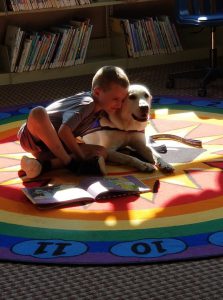
While they practice reading the book, children often stop to pet or hug the dog. This interaction is so important because a pause in their reading flow is met with a positive, happy response instead of the pressure or correction they might experience in other settings. This is why we always say that the dogs are extremely patient listeners. They enjoy the quiet moments in between words or sentences because they are in no rush and have no expectations.

Ciel is continuing the mission of making reading a comforting and happy experience.

While your child reads, Ciel will listen eagerly and be available for any comfort that the child needs during this sometimes stressful activity. Children can then carry this peaceful experience with them after they leave the library. When they feel anxious or upset about reading challenges, they can remember Ciel’s calm and welcoming presence. Pairing such a positive experience with reading is directly in line with our mission to help the community learn, connect, and grow. We are extremely grateful to Ciel and Linda for their willingness to make this program possible. Because of them, we are able to help children find comfort, excitement, and joy in reading.

Please call 724-379-5511 to reserve a time slot. Ciel wants to make many more friends!


If you would like to see this level of programming continue, please make a donation to Rostraver Public Library. You can donate directly by clicking this link.

Thank you for your support.


Keep up on our services and events by following us on Facebook, Twitter, and Instagram.

Monthly Pop-Up Craft

Posted on September 17, 2019September 17, 2019 by Laura Daugherty

In an effort to utilize the Makerspace room (read a post about this area here) and spread a habit of creativity, RPL holds a themed monthly craft. Since this craft is available on the third Monday of the month during normal library hours and invites patrons to drop in, it is affectionately named “Pop-Up Craft.”

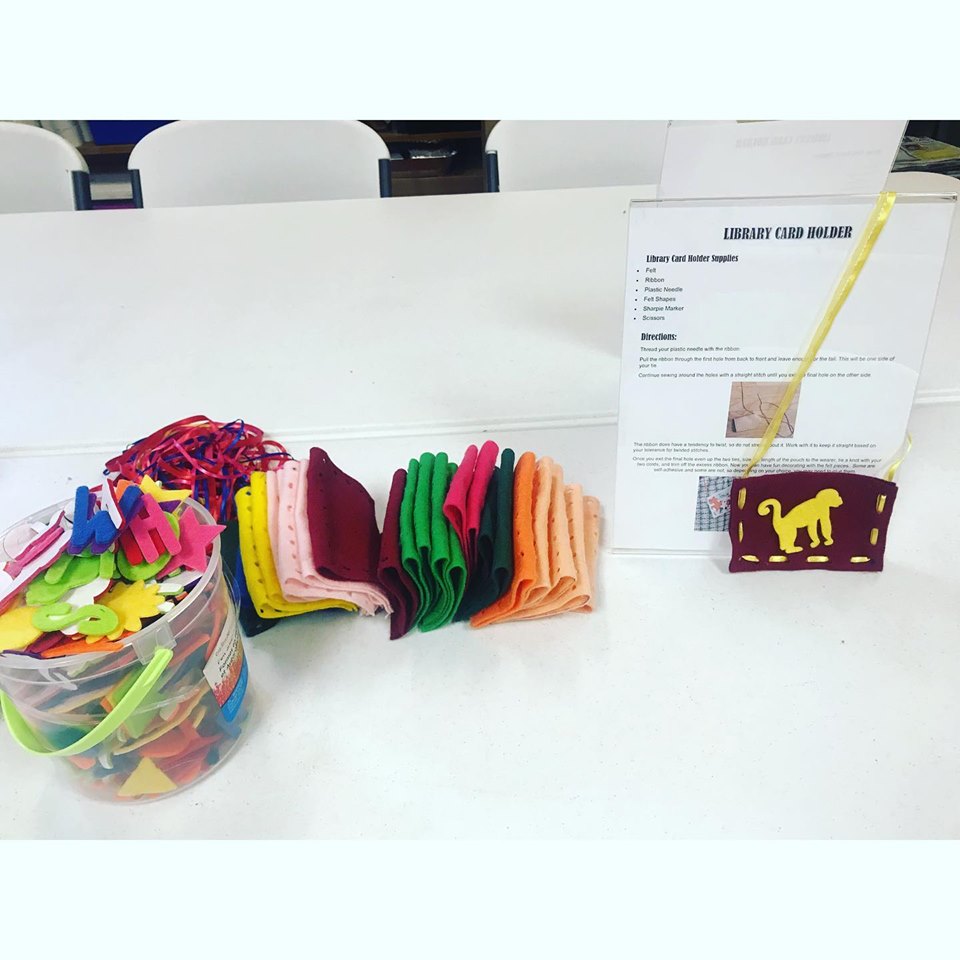
Most of the crafts are geared towards children, but families and adults can enjoy working together with younger patrons to complete the project. Our most recent Pop-Up Craft allowed patrons to create their own library card holder. Since September is National Library Card Sign-Up Month, we wanted to further encourage the excitement about having a library card, especially among younger patrons.

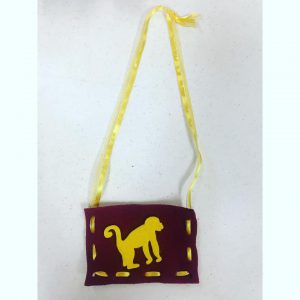
The sample for September’s craft: Library Card Holders

Every month, the white tables in the Makerspace room will be set up with instructions and materials. Each craft is kept simple so the patrons can independently study the directions and complete the project. There is always a sample pre-made to act as a guide for the participants and to ensure that all aspects of the craft operate properly.

Supplies and instructions are provided every month

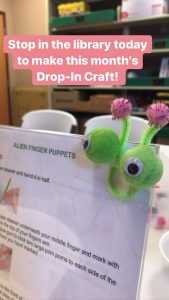
The monthly craft is prepared with a theme in mind, whether it is a holiday, season, or library event. For example, the crafts in July and August were an Alien Flying Saucer and an Alien Finger Puppet in honor of the Summer Reading Quest theme: A Universe of Stories.

August’s craft was fun Alien Finger Puppets!

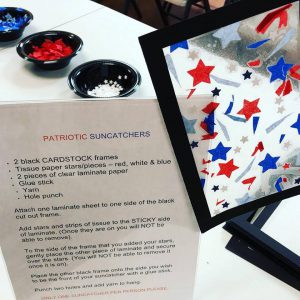
The crafts vary from decorations, such as a patriotic sun catcher, to interactive toys, like paper rockets. No matter what the craft, they are usually brief projects that can be completed on a normal visit to the library. Registration is NOT required, but the craft is only available while supplies last. So even if you don’t plan on attending in advance, you can drop in when you see the sign on the third Monday of every month.

Patriotic Suncatchers are fun for any age!


There are often supplies left over, and we sometimes leave the craft on the tables until the space is needed for another event. We appreciate patrons’ enthusiasm for this ongoing event, and we invite you to engage with this activity monthly. The work put into preparation is well worth it when we see patrons enjoying the craft and sharing their completed creations.

The craft choice of the month will be advertised on our events page, Facebook, Instagram, and Twitter.

Thank you for your support.

Library Tour: Challenge Room/Makerspace

Posted on August 29, 2019September 3, 2019 by Laura Daugherty

At Rostraver Library, we strive to fill our space with opportunities to advance learning, community, and discovery. Sometimes, a standard walk through the library doesn’t offer patrons the full picture of our resources and creative nooks. This post is the first of a series that will shine a spotlight on different sections of the library. First up – the Challenge Room/Makerspace!

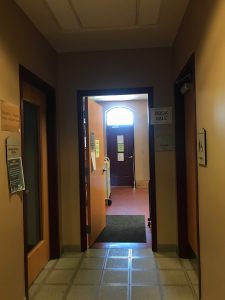
This area is located in what patrons commonly know as the Book Sale Room. You can find it by making the first right as you walk into the building. The room is past the bathrooms at the end of the hallway, and it is free to use during library hours. Although this room is packed with different uses and purposes, there is still ample space for exploring the book sale or working on a project.

Walk down the hallway to find the Book Sale/Makerspace/Challenge Room

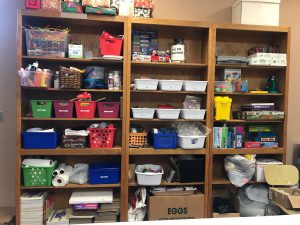
When you walk in, you may see the shelves crowded with bins and boxes. These are organized and labeled so you can have easy access for your creative project. Some of the supplies include crayons, markers, paint tools, tape, scissors, paper towels, stamps, and more. On the far right shelf, we have various puzzles, mazes, building sets, and activity packs available for in-library use. All of these materials on the wooden shelves are part of the Makerspace and can be used in projects.

Our Makerspace materials

The metal shelves on the right half of the room contain the Challenge Trays and other technology for learning opportunities. Currently, we have four Challenge Trays along with other assorted robotics and materials. The concept behind the Challenge Trays is to develop STEM learning and provide opportunities for children and their families to learn together.

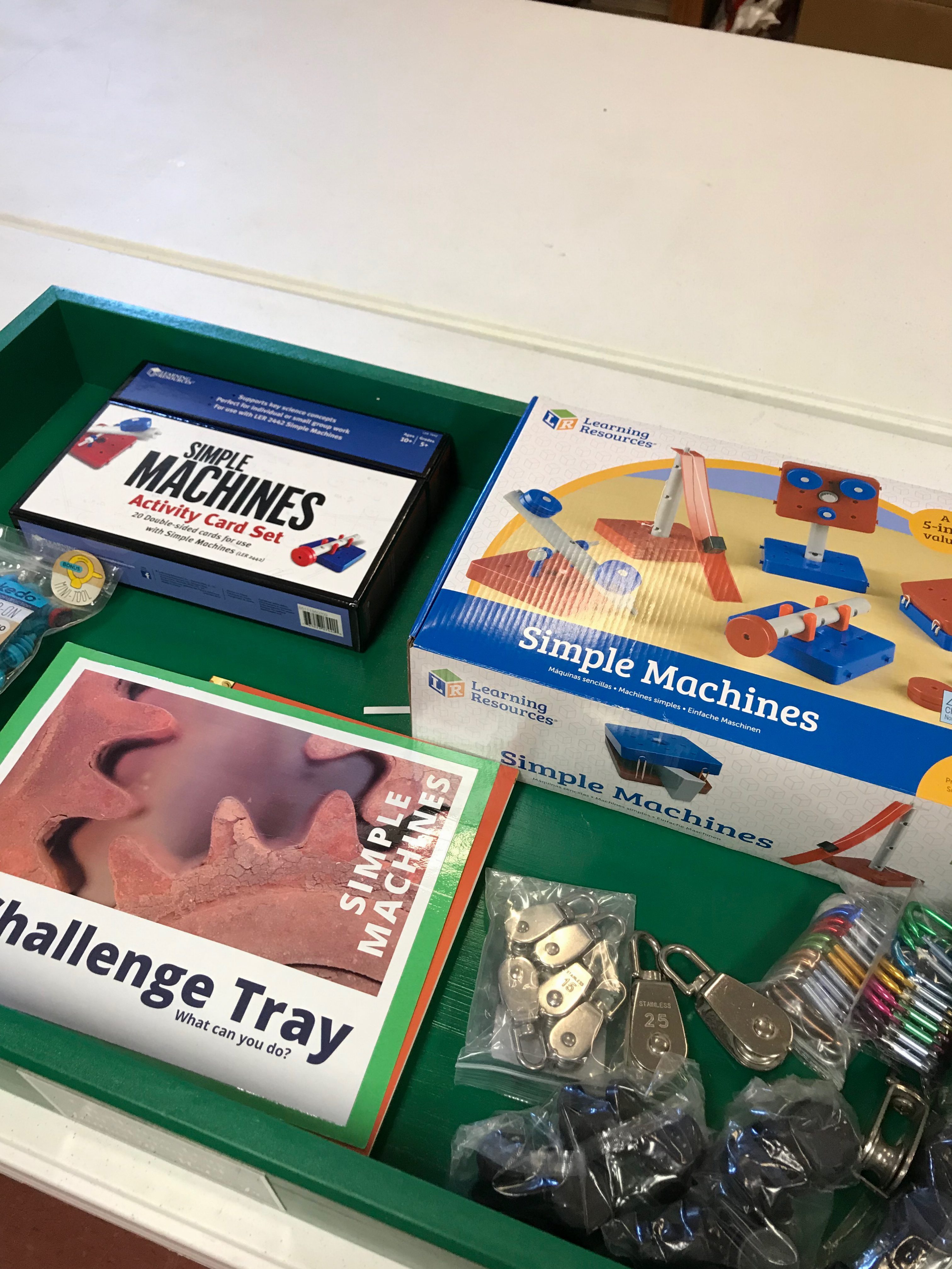
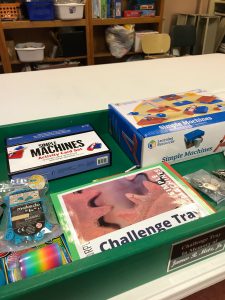
The Simple Machines Challenge Tray

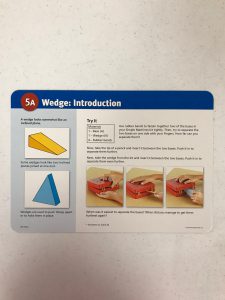
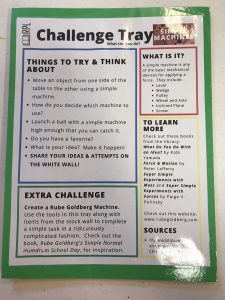
An example of our Challenge Trays is the Simple Machines tray. This green wooden bin contains a reference sheet with learning prompts, resources, and explanation on simple machines. From there, participants can explore the box of activity cards that lay out the different types of simple machines and challenge the learner to build them using the simple machines kit. In addition to these central pieces, there are various machine parts (slinky, clasps, etc.) to foster more building possibilities.

One of the activity cards in the Simple Machines Challenge Tray
There are instructions/reference sheets in each Challenge Tray

Thanks to generous donations, we are able to provide Simple Machines, Builder, Lego, and Paper Craft Challenge Trays. We also offer patrons access to Dash and Dot robots and a Snap Circuit kit. Dash and Dot is geared towards ages 6+ and Snap Circuits are for ages 8+, but ages can vary depending on the participant. This technology must be used within the library and the patrons are responsible for them while in use.

We also have a large mobile white board that offers patrons the opportunity to share what they learned or tested during their time with the Challenge Trays and other activities. This place for feedback is important for developing a sense of community and ongoing discovery, so please offer your comments and results after you’re finished!

As you look around the Challenge Room/Makerspace/Book Sale Room, you can spot more and more ways to stretch your imagination and build learning experiences. This room invites exploration, so carve out some time and delve into this creative space!

Call 724-379-5511 with questions, and check out our Facebook, Instagram, and Twitter for updates.

Growing with Gardens 2019 Recap

Posted on August 15, 2019August 17, 2019 by Laura Daugherty

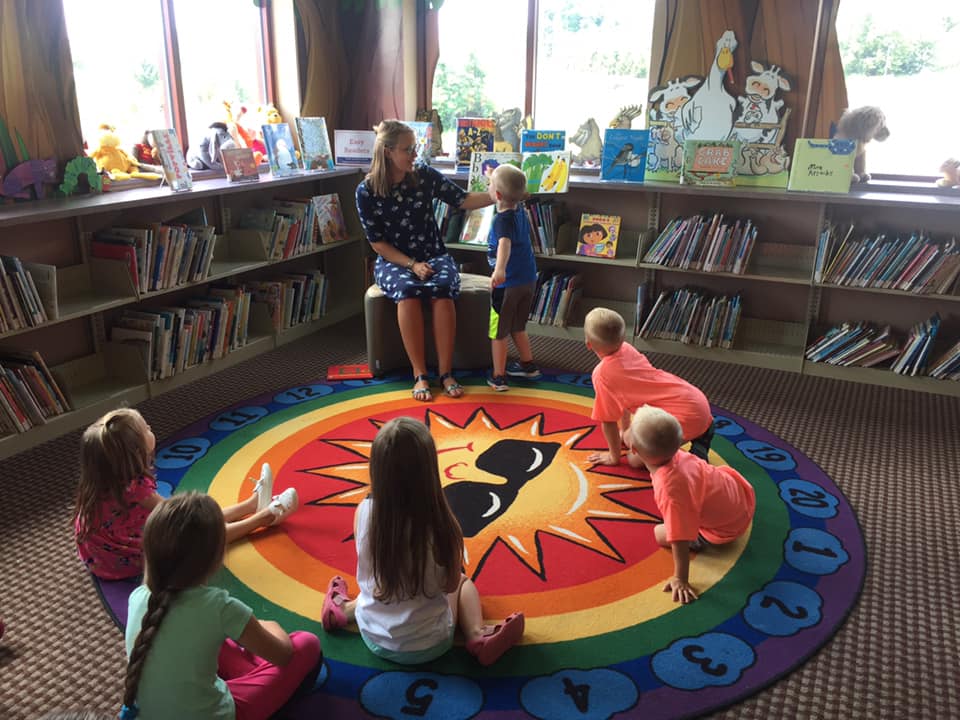
This summer, participants ages 4-12 came to Rostraver Library to learn about all things plants!

Growing with Gardens consisted of 6 sessions split into two groups in order to accommodate ages 4-6 and 7-12. The program kicked off on June 20 with a community planting day when kids planted tomatoes, beans, peppers, cucumbers, herbs, and flowers in Rostraver Library’s patio garden. On this day, they also received and decorated their garden journals which they used throughout the remaining sessions to track plant growth and store other activities. Finally, they decorated craft sticks and rocks and used them to label different plants in the garden.

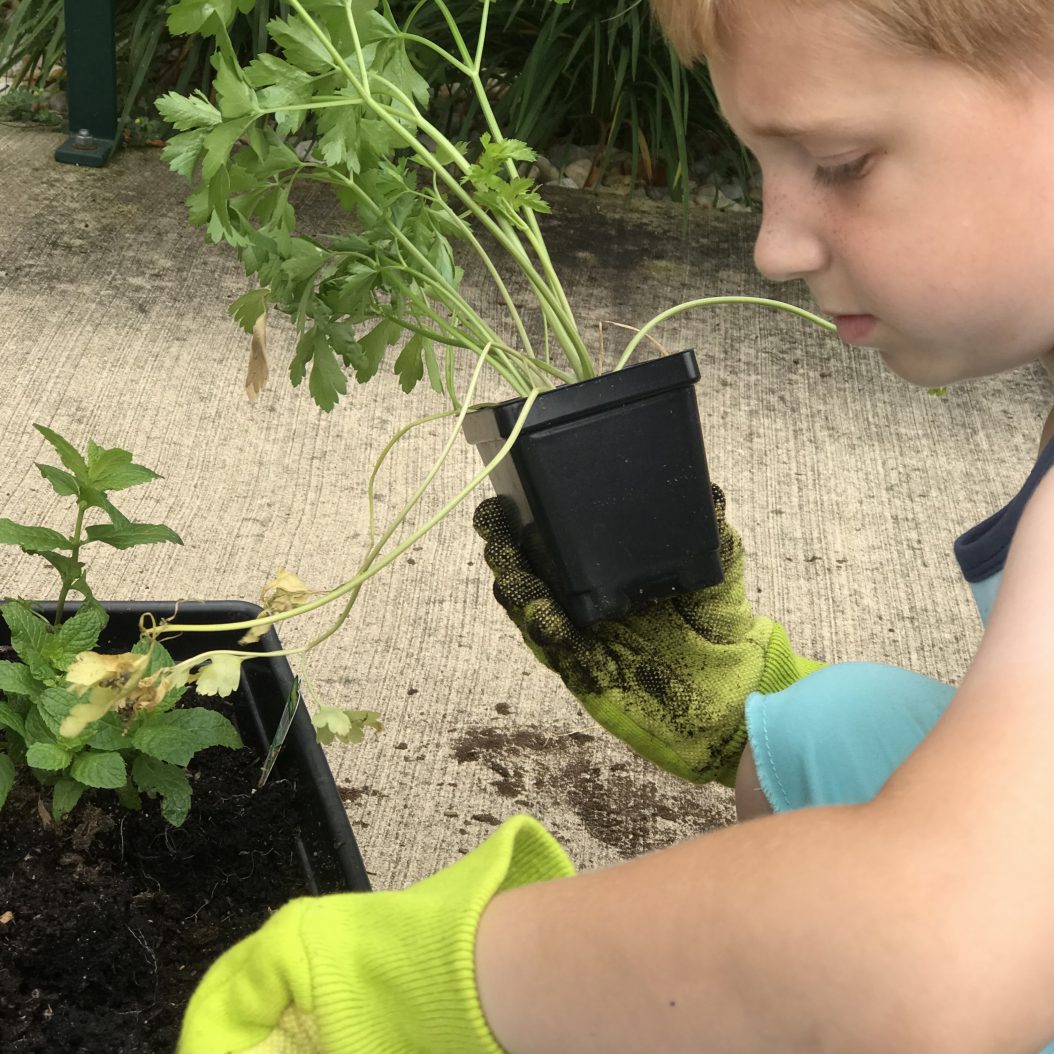
Planting parsley
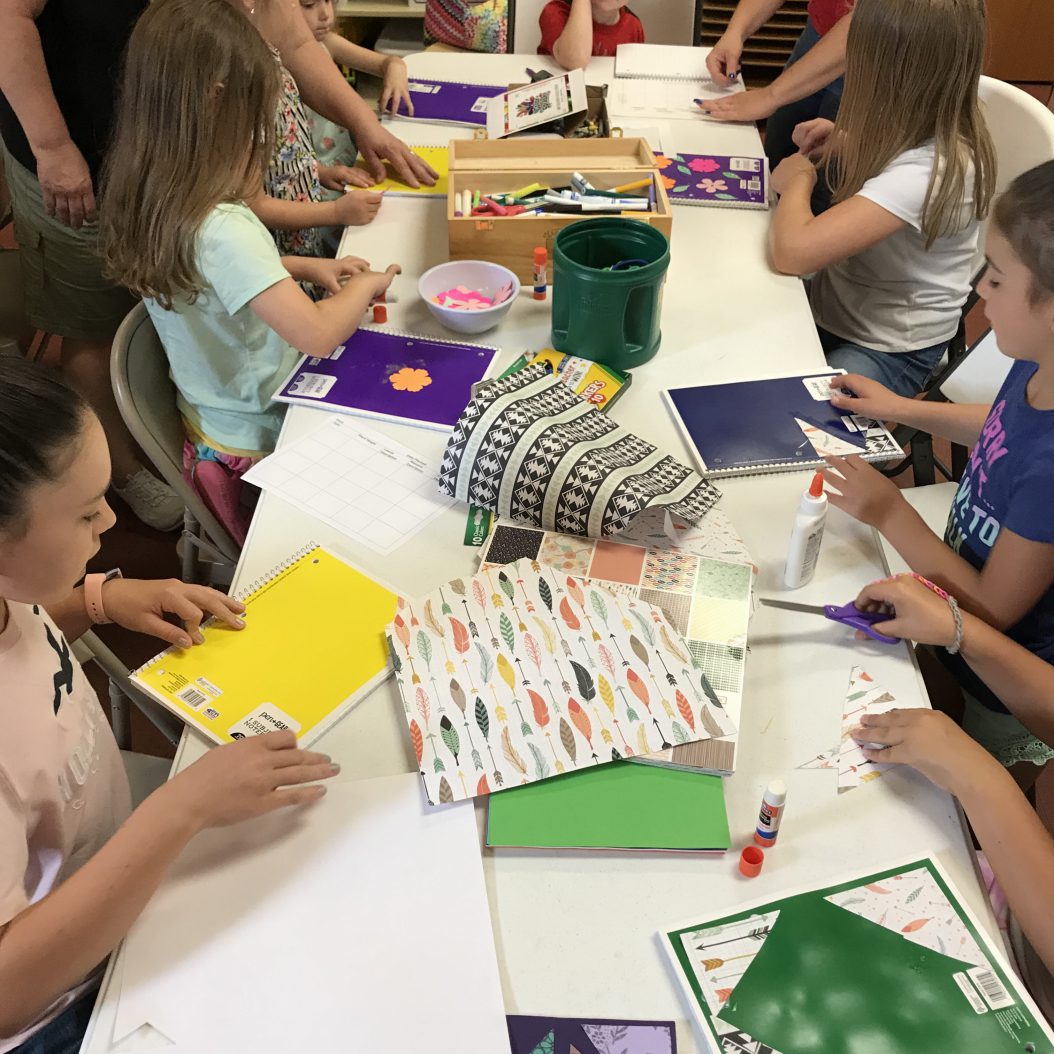
Decorating garden journals
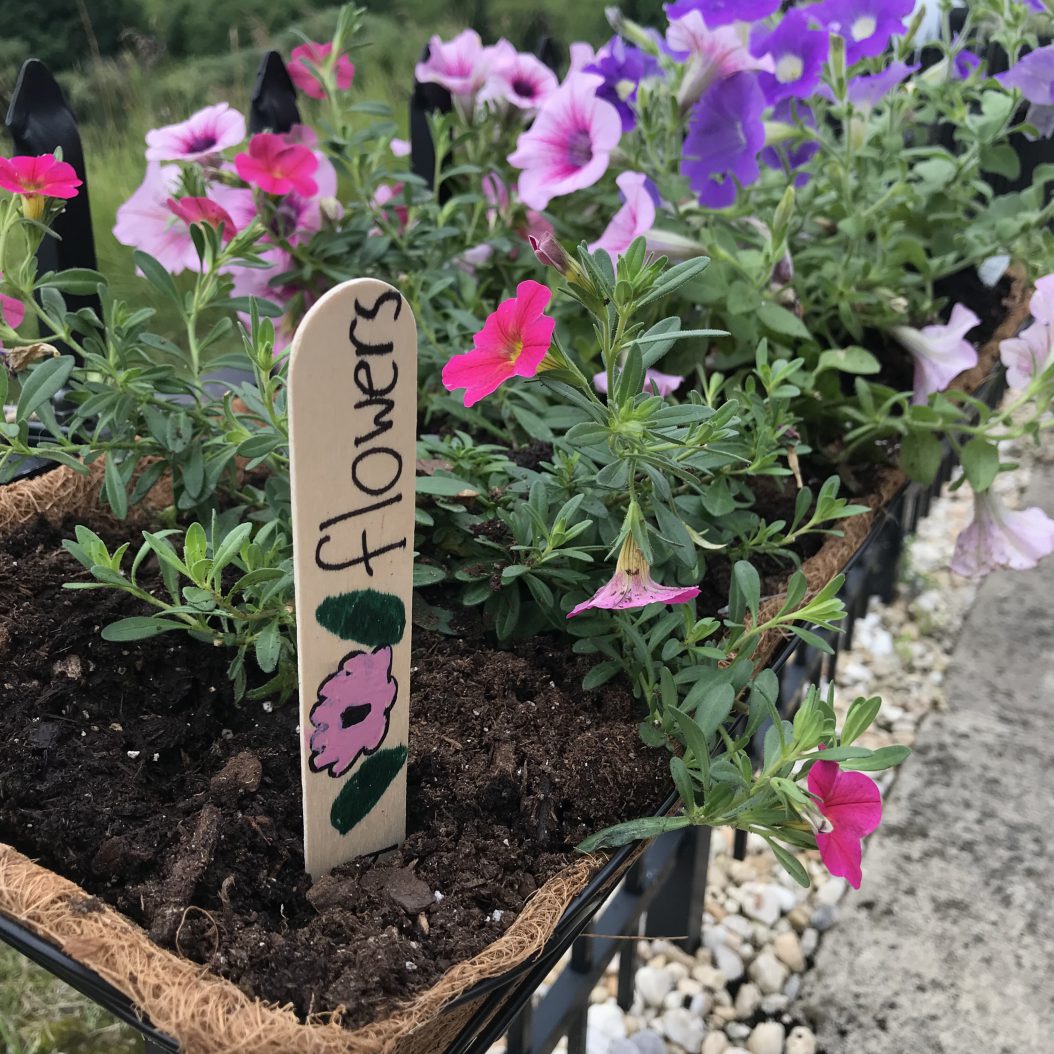
One of the plant markers

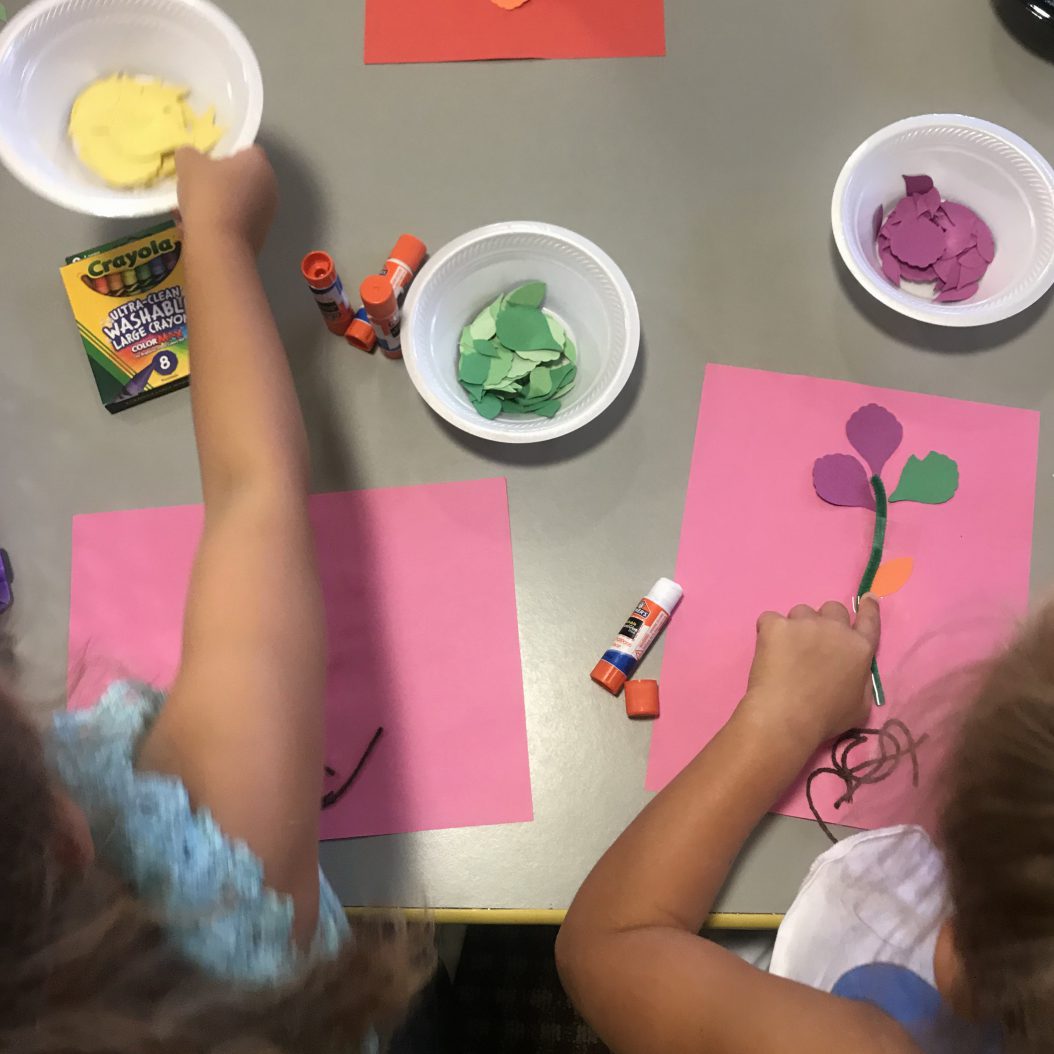
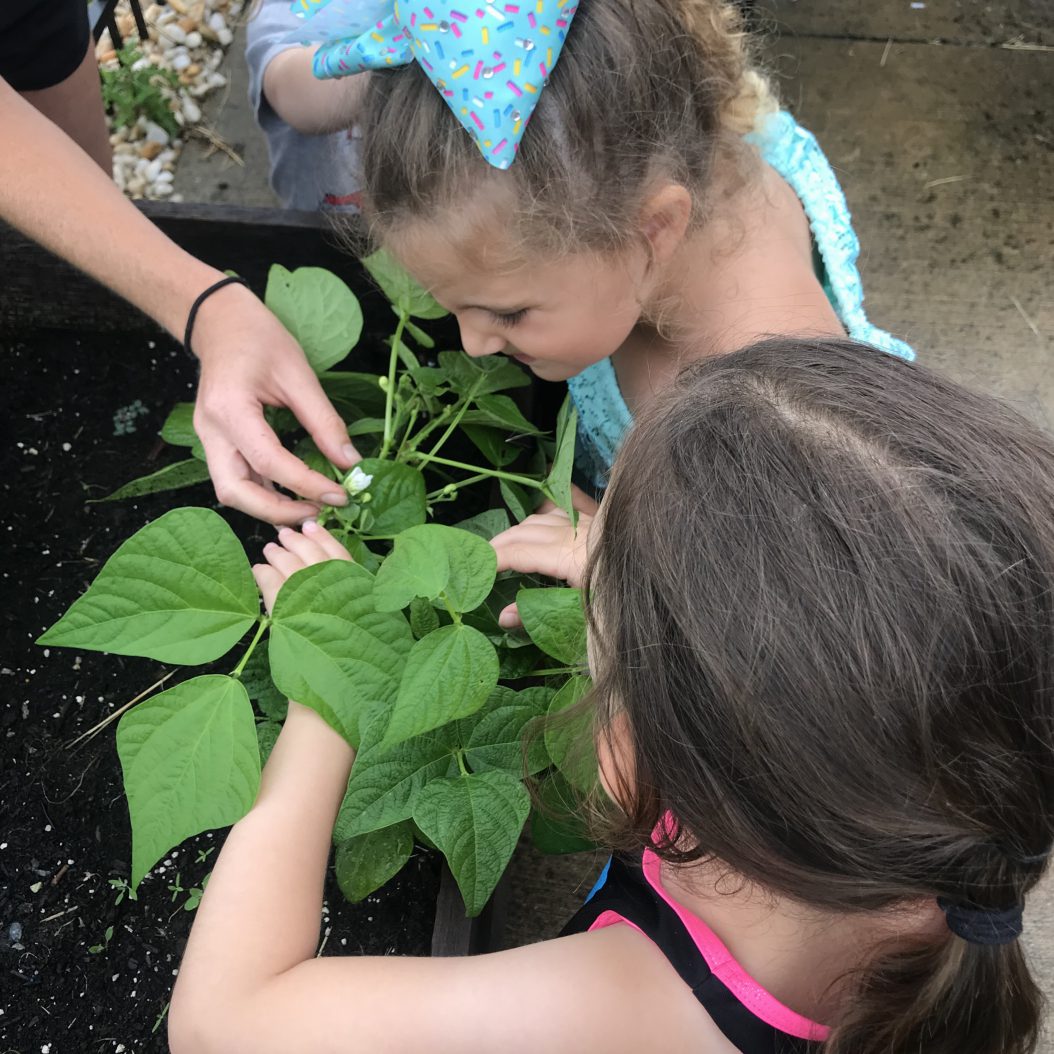
A few weeks later on July 11, the sessions started back up with Plant Anatomy. After hearing a story and lesson about the parts of a plant, the kids made a flower model and labeled the plant parts. Then, they went out to the garden to start recording plant growth in their garden journals. They filled out the first row of their plant log charts with plant measurements and appearance. They even found a few blossoms on the young plants!

Creating a plant diagram to understand plant anatomy
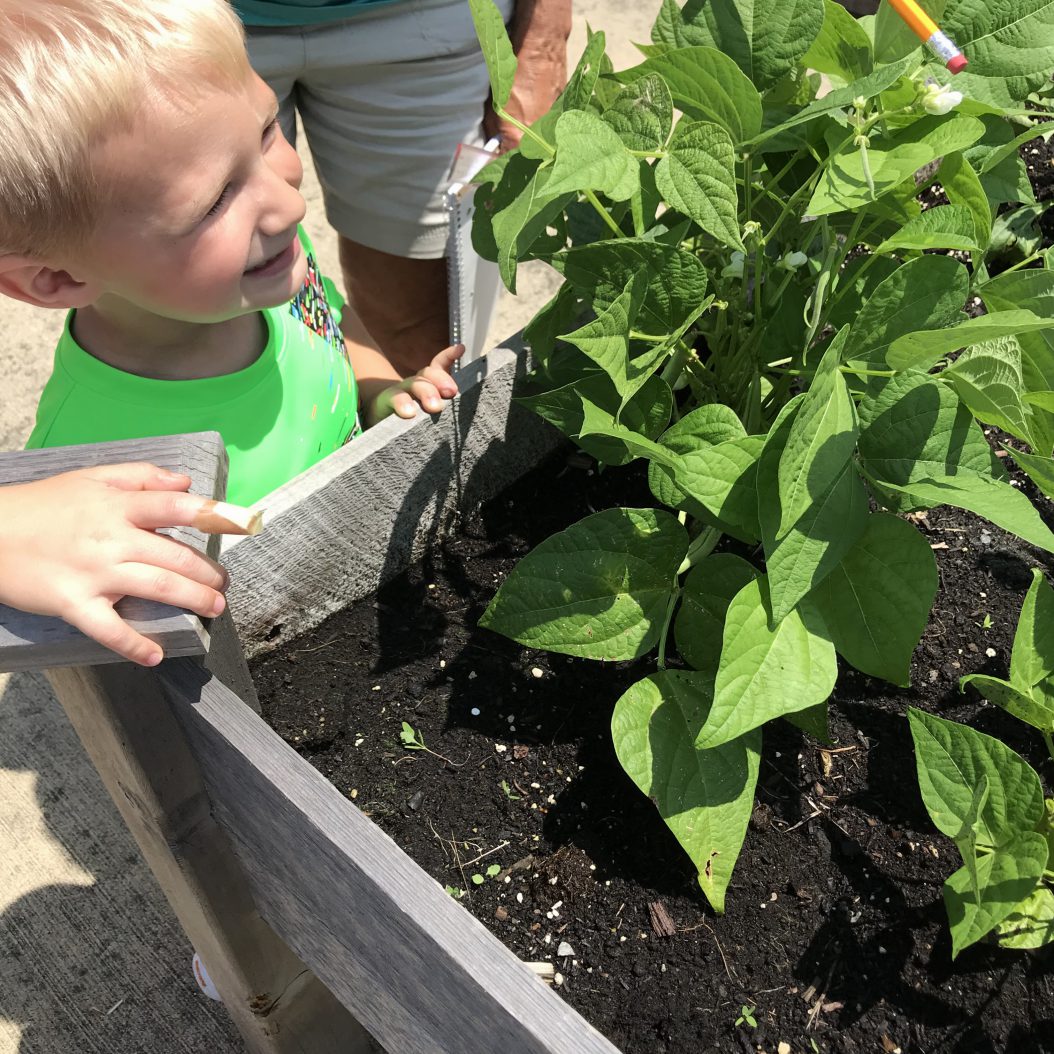
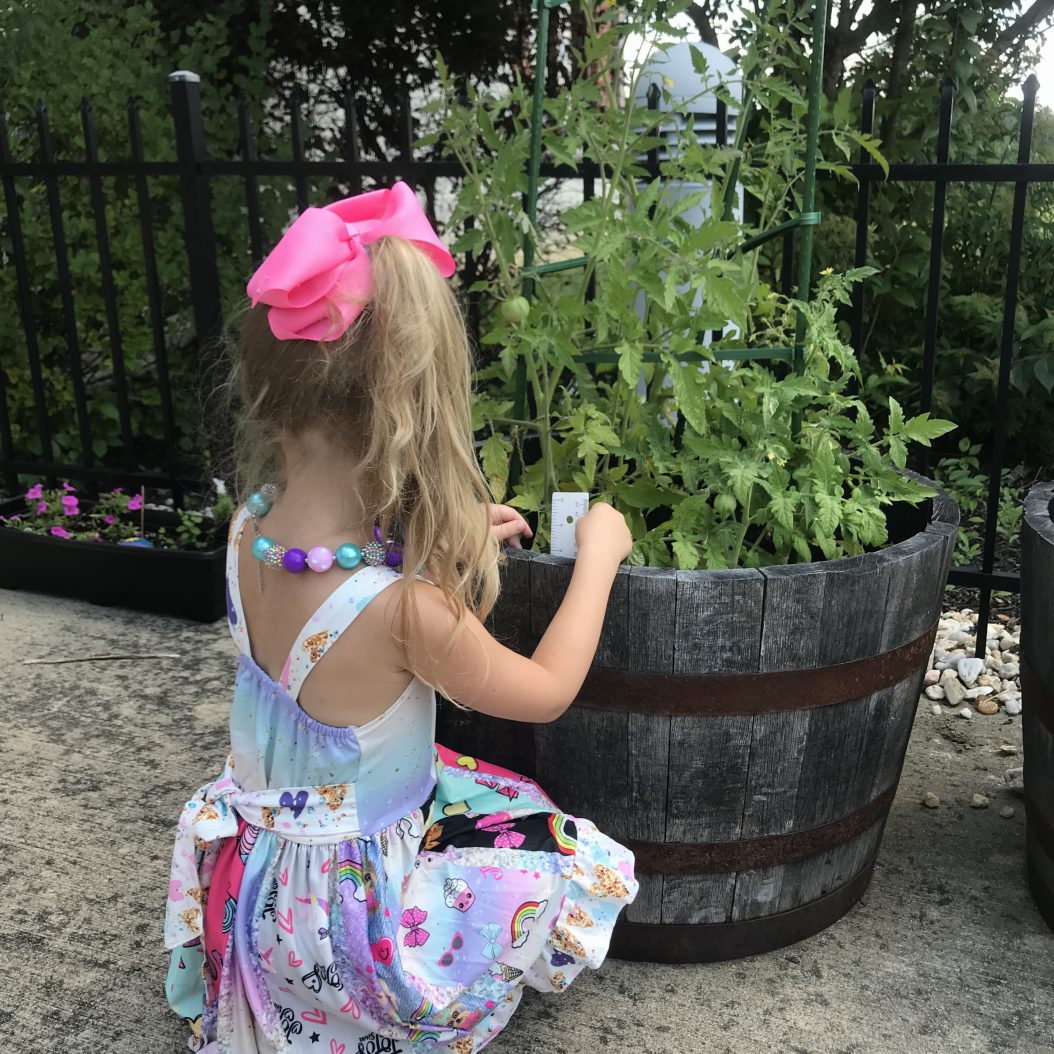
Each child tracked one plant throughout the summer with a plant log
Spotting bean blossoms

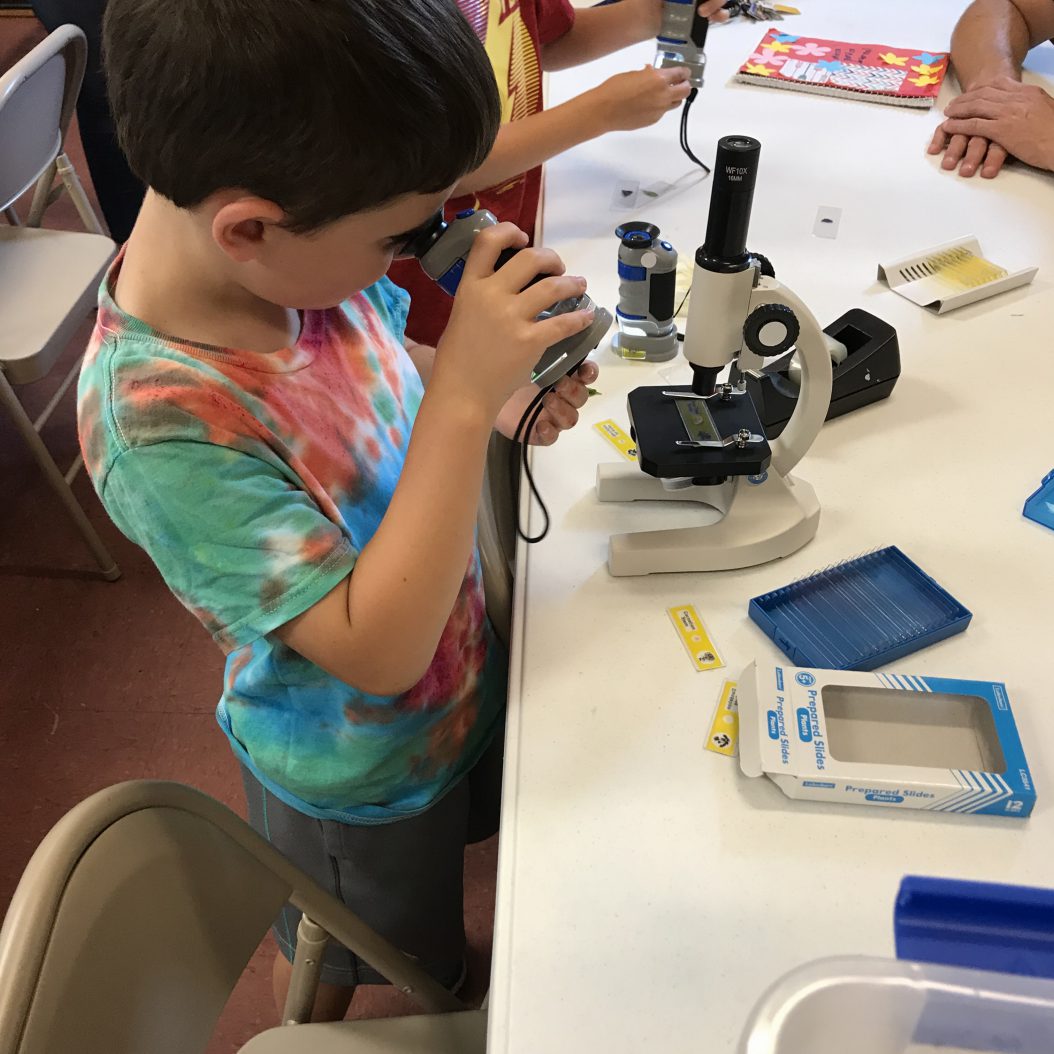
In the next week’s session Plant Growth on July 18, participants learned about the life cycle of plants with various crafts. In addition to monitoring the garden and updating their garden journals, they also had the opportunity to gather plant samples from the garden and study them in microscopes.

The beans continue to grow!
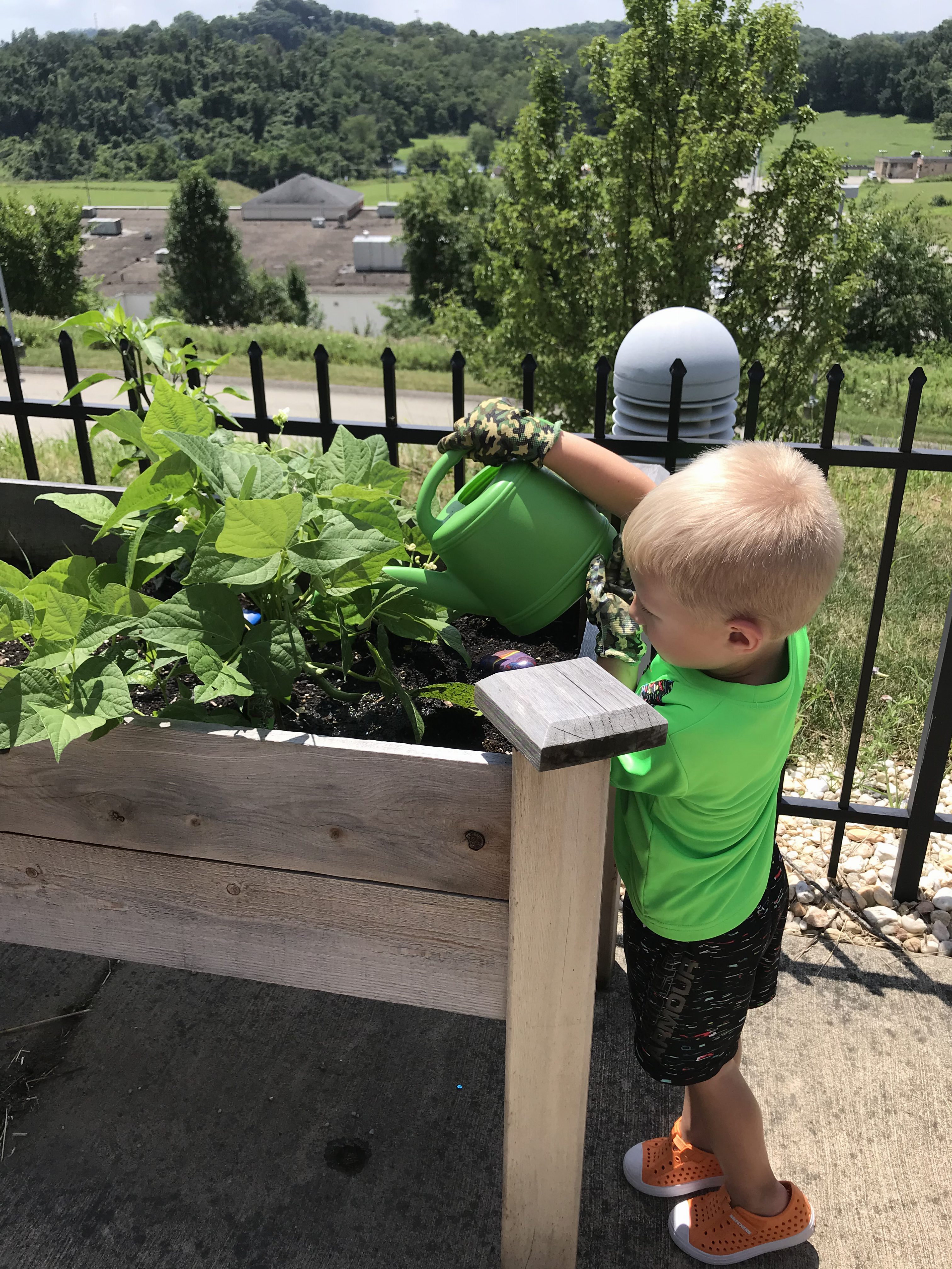
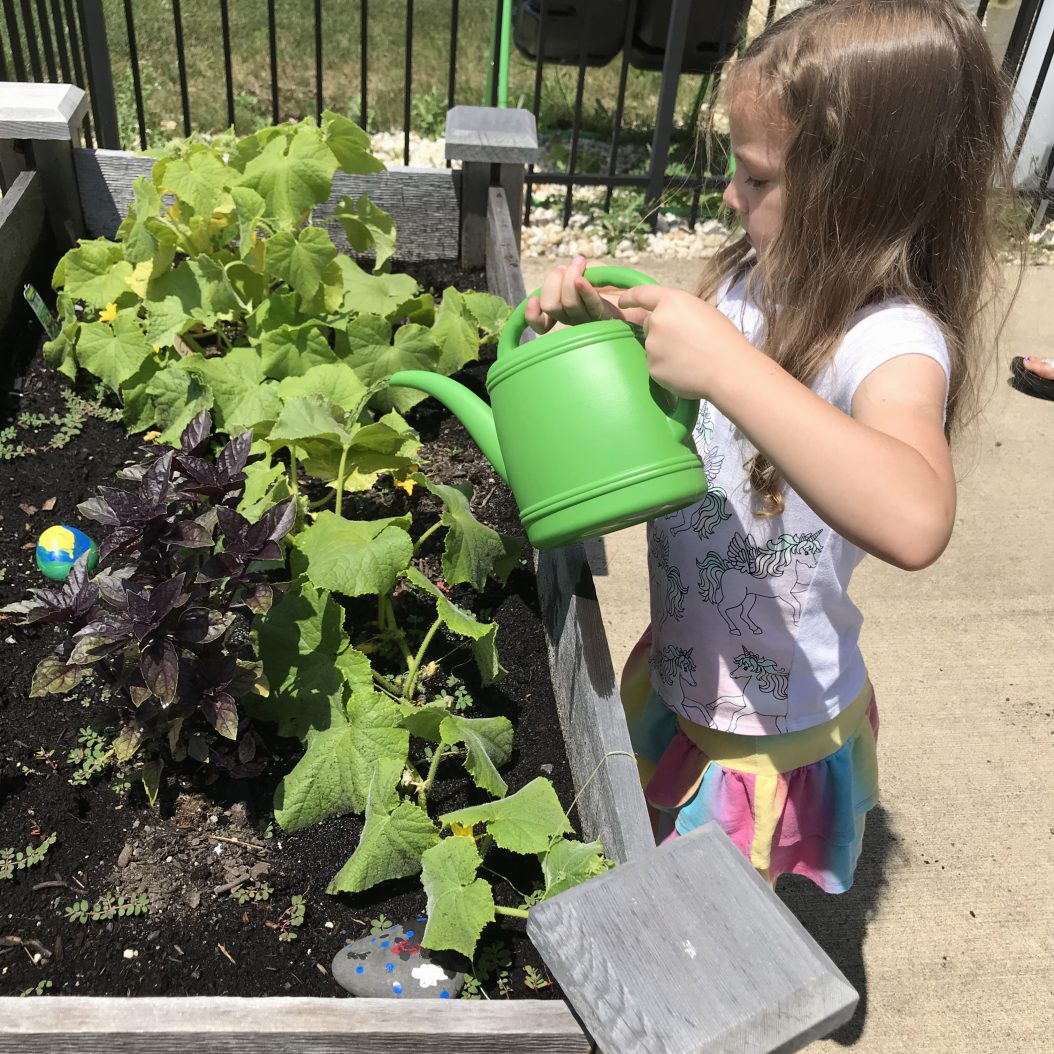
Watering on a dry day
Ages 7-12 examine plant samples with microscopes

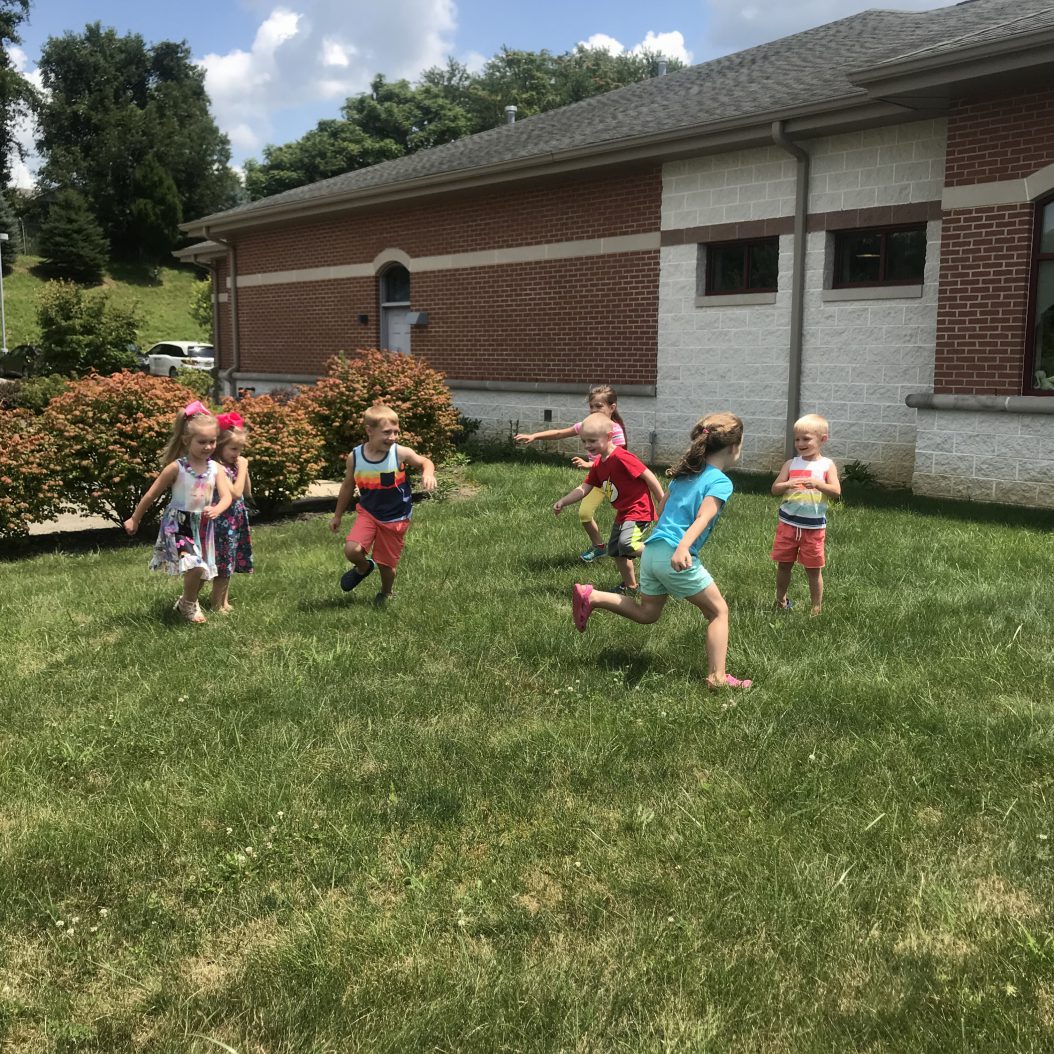
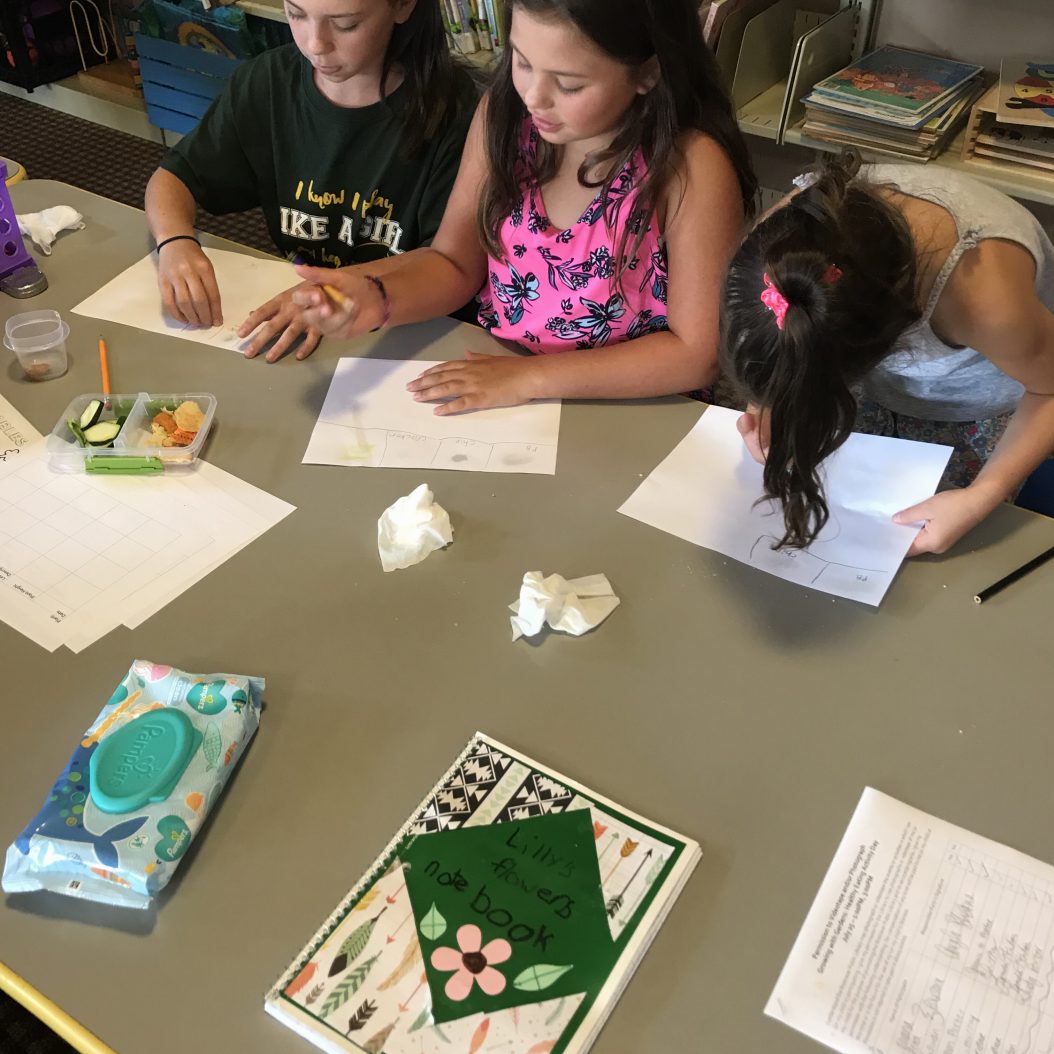
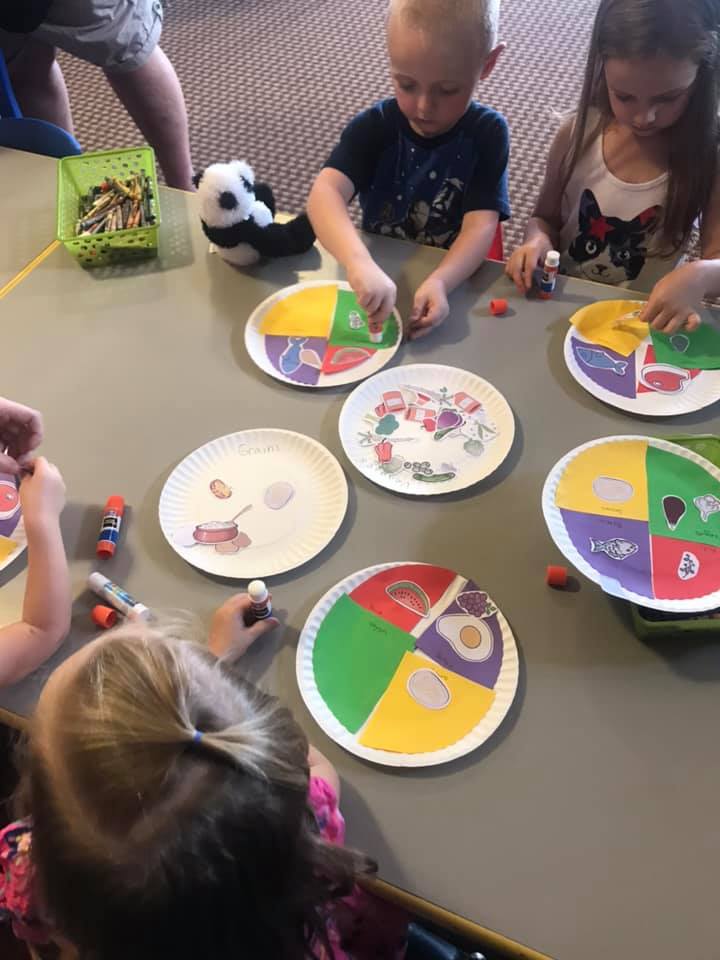
The Healthy Eating Activity Day on July 25 got the kids thinking about foods in different ways as they played games, tested foods by rubbing them on white paper, and other interactive activities. This day was a break from the normal routine and a favorite among the participants!

Learning how to identify healthy foods with an active game
Measuring the height of the tomato plant
Ages 7-12 test the fat content of different foods

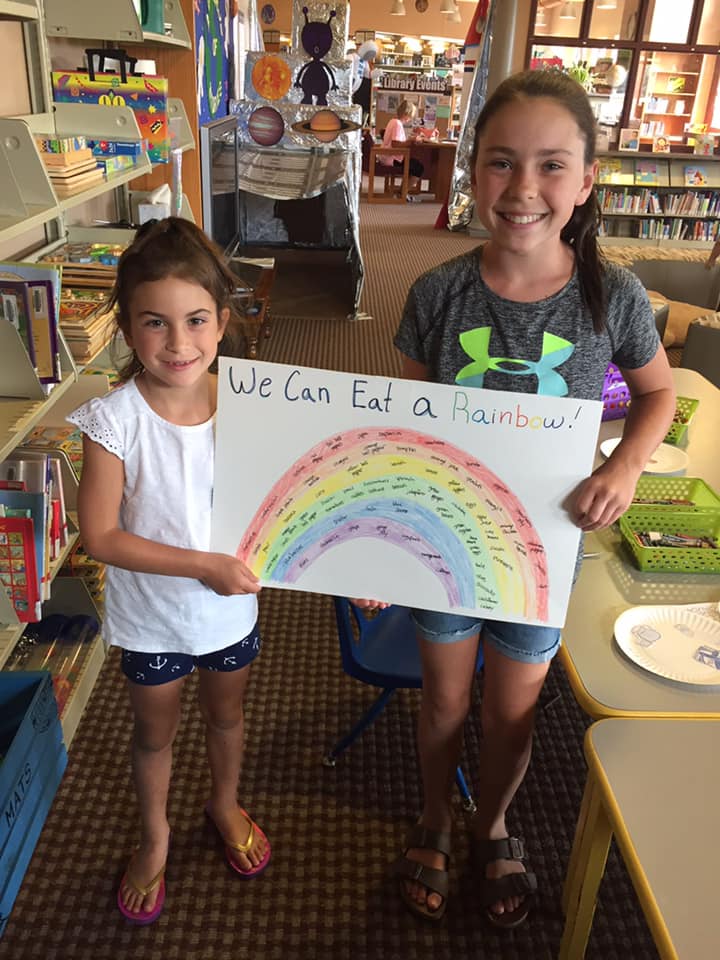
Growing with Gardens started August out with more learning about nutrition. On August 1, the Veggies and Our Bodies session helped to solidify concepts introduced during the last session. The kids enjoyed reading an alphabet book of many different fruits and vegetables and then using those items to fill in healthy foods for every color of the rainbow.

Learning how to build a balanced meal
Learning about vegetables and how they help us to grow
Ages 7-12 fill in a rainbow with healthy foods

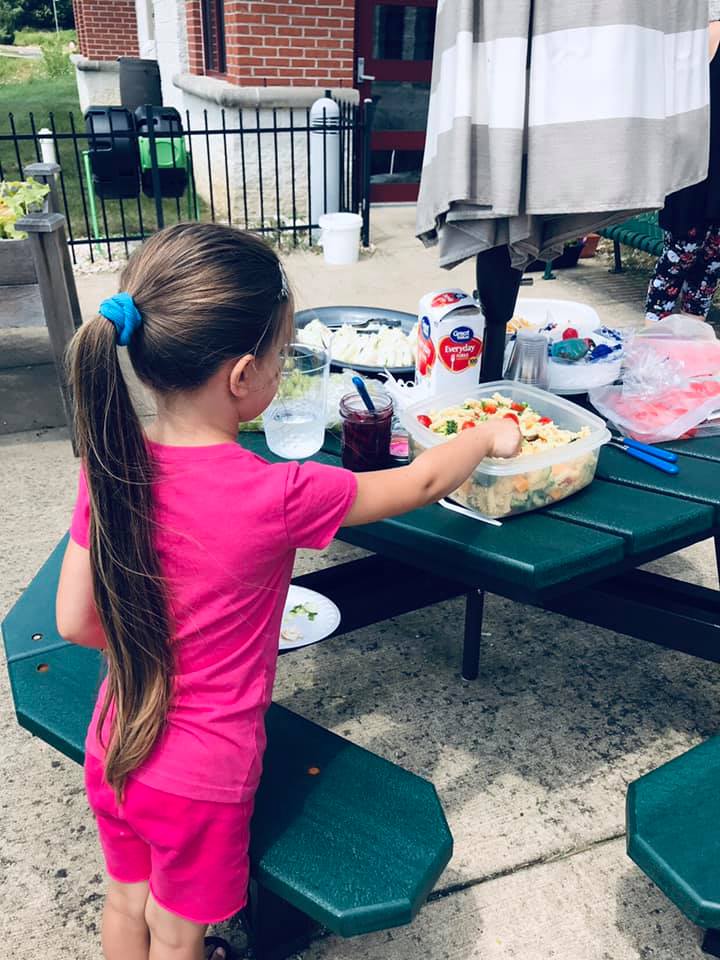
The program came to a close on August 8 with Food Prep and Recipe Books. Everyone helped to put together a small picnic using ingredients that were grown and discussed during the program. After the picnic, they enjoyed a final look at the garden and a few closing activities.

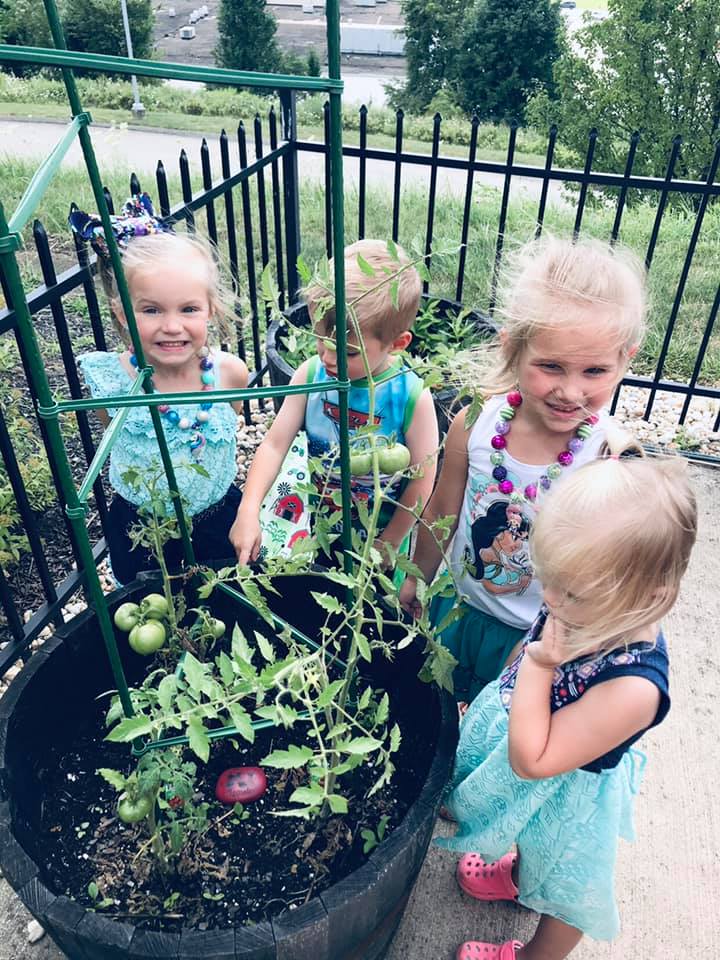
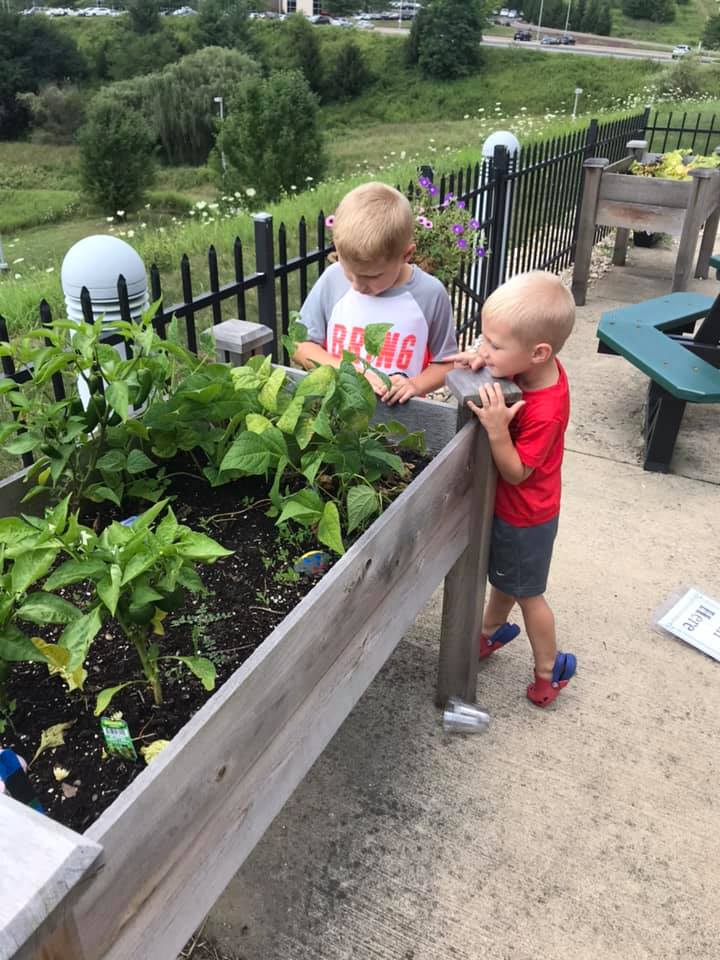
Tomatoes are almost ready for harvest
Participants enjoy a picnic of healthy foods
Taking a look at the many vegetables growing

As always, thank you to all who participated in this event and made it possible. We look forward to seeing you in the garden next summer.

For more information about our upcoming events and photos/descriptions of our past events, follow us on Facebook, Instagram, and Twitter.

Harry Potter Day 2019

Posted on August 5, 2019August 6, 2019 by Laura Daugherty

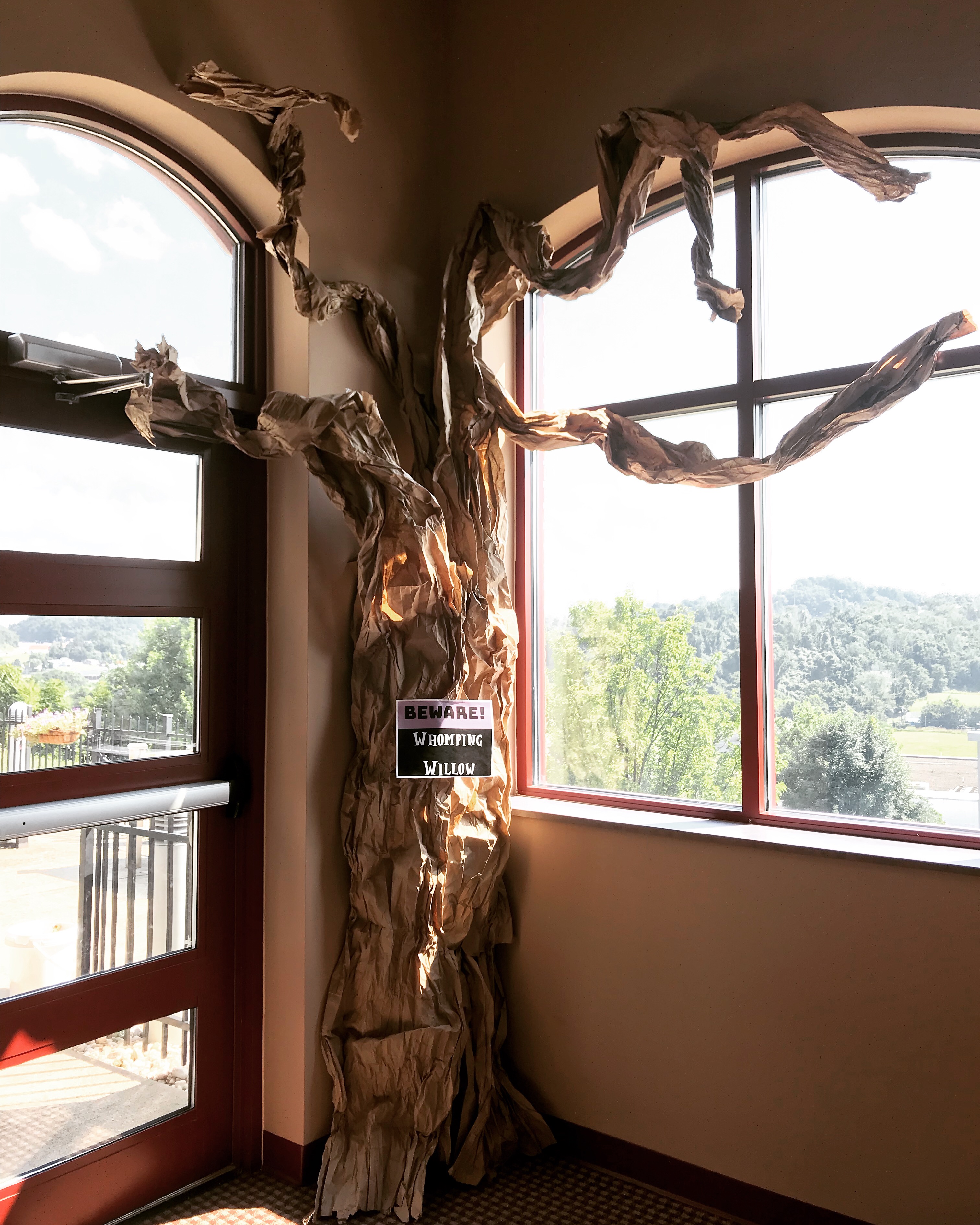
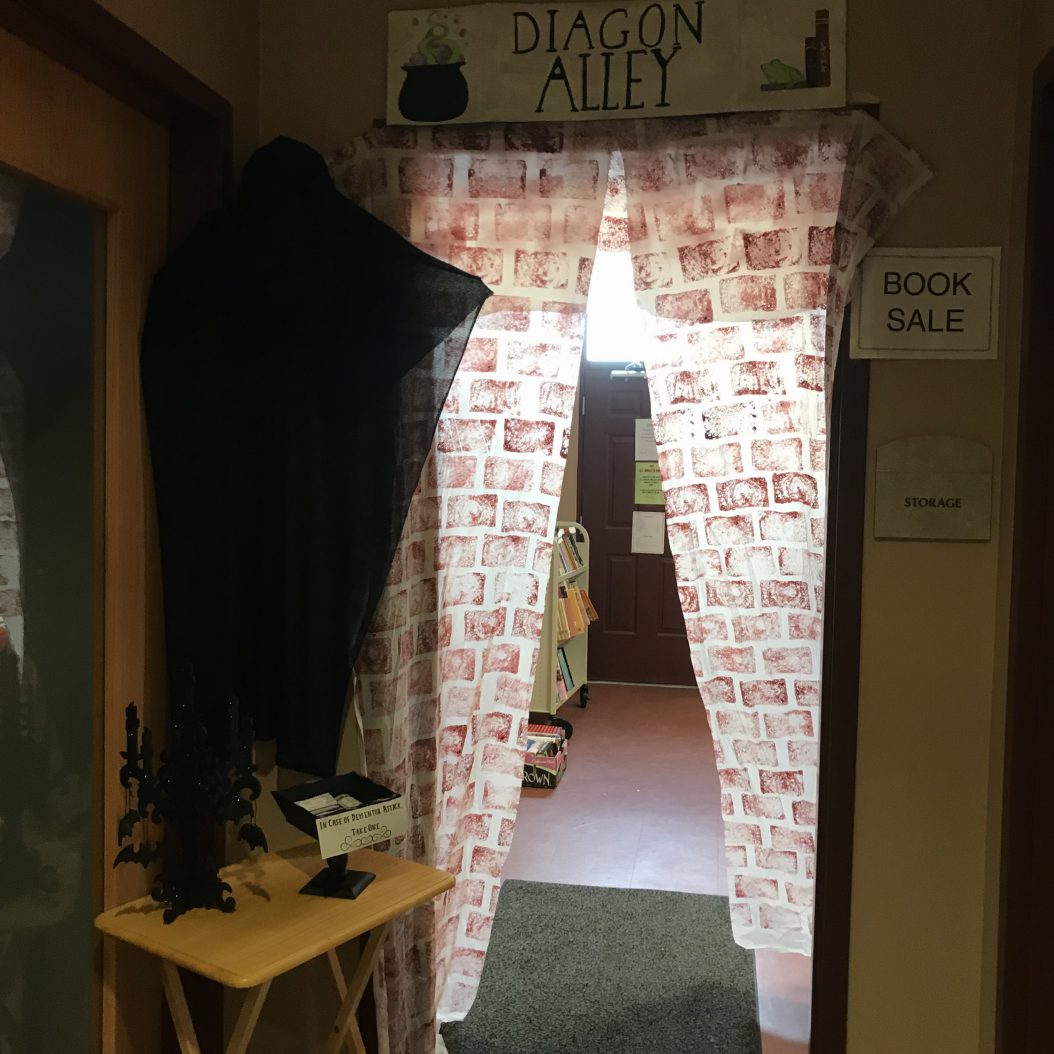
On Wednesday, July 31st, the world celebrated the birthdays of J.K. Rowling and her treasured character, Harry Potter. The Rostraver Public Library collected and celebrated the energy around this day by throwing our second annual Harry Potter Day. From noon until 6:30pm, patrons of all ages visited Hogwarts (the Children’s Room) and Diagon Alley (the Booksale Room/Makerspace).

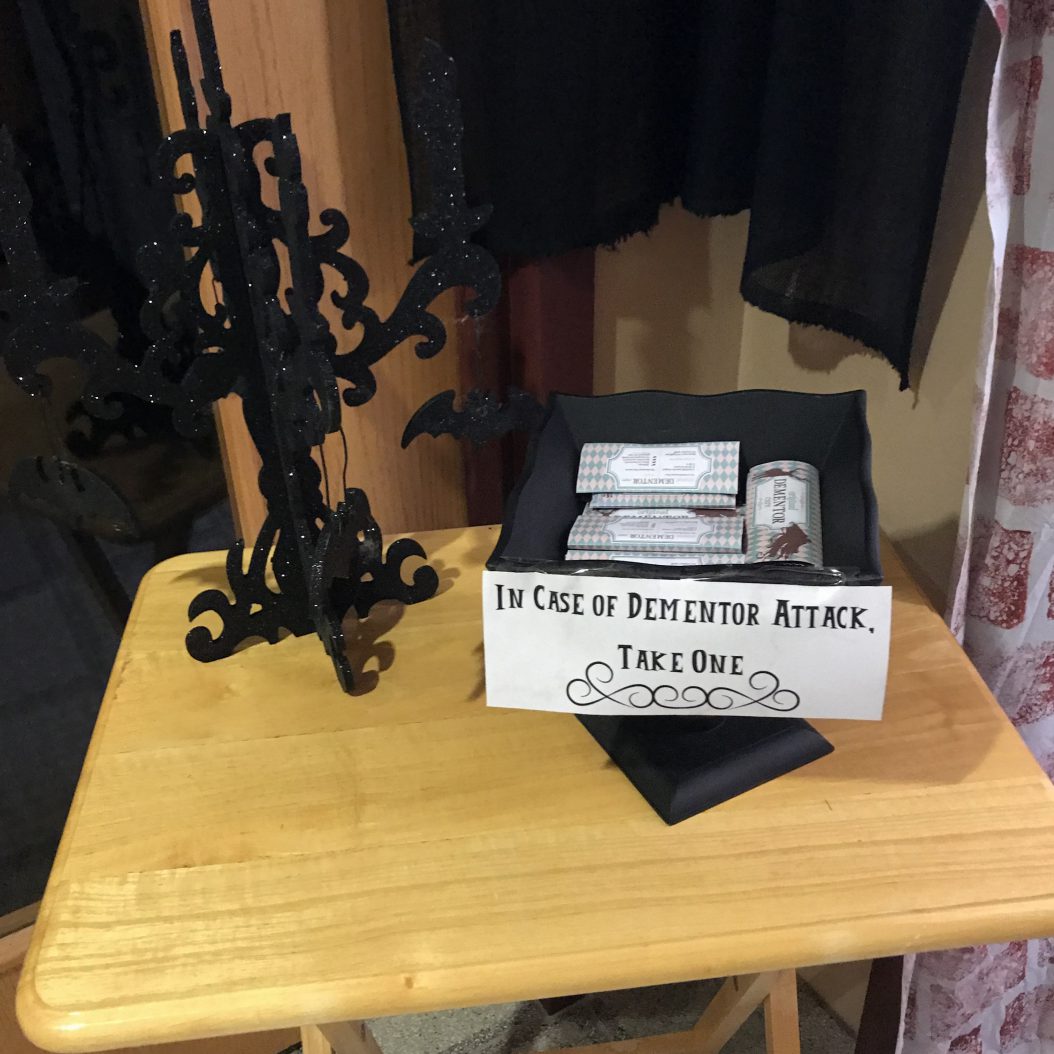
A dementor patrolled Diagon Alley!
The secret entrance to Diagon Alley.
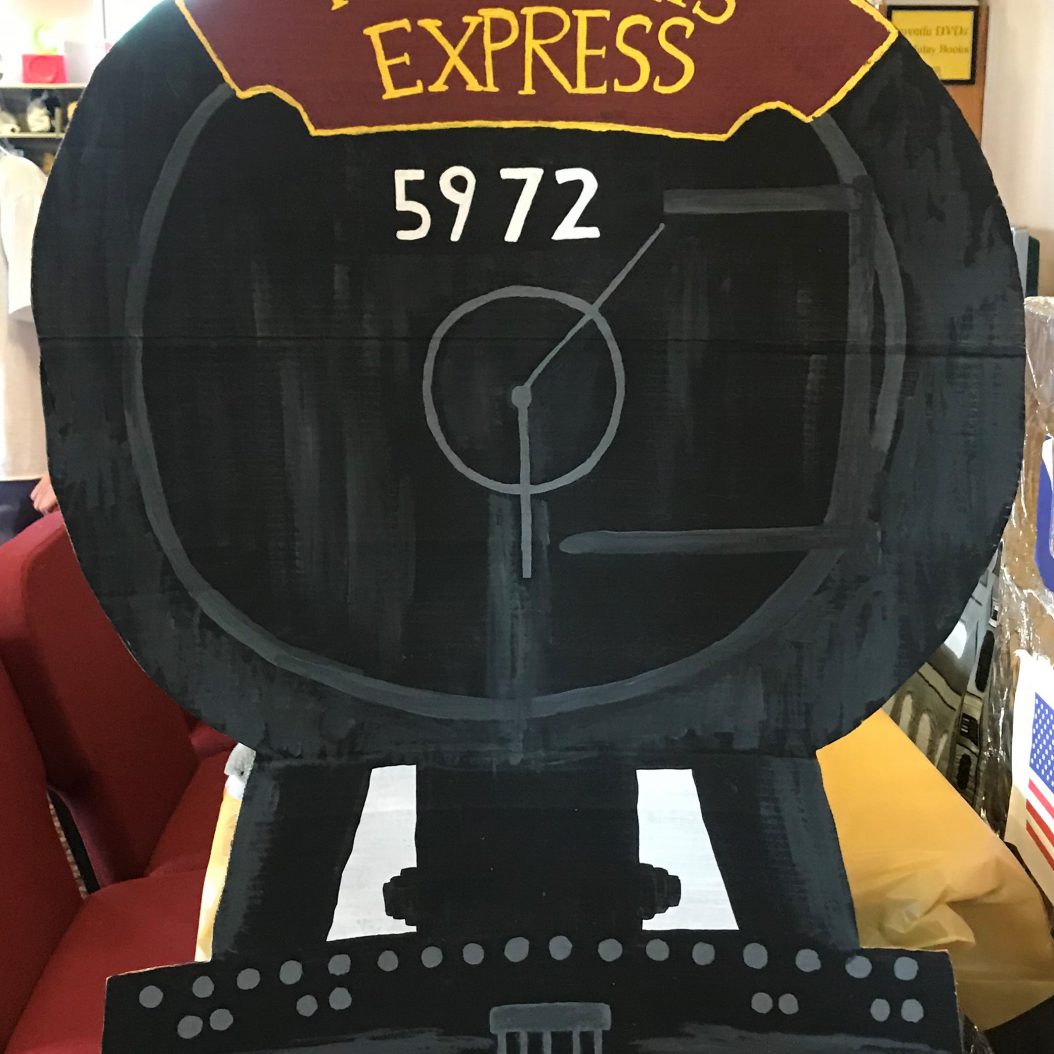
All aboard the Hogwarts Express!
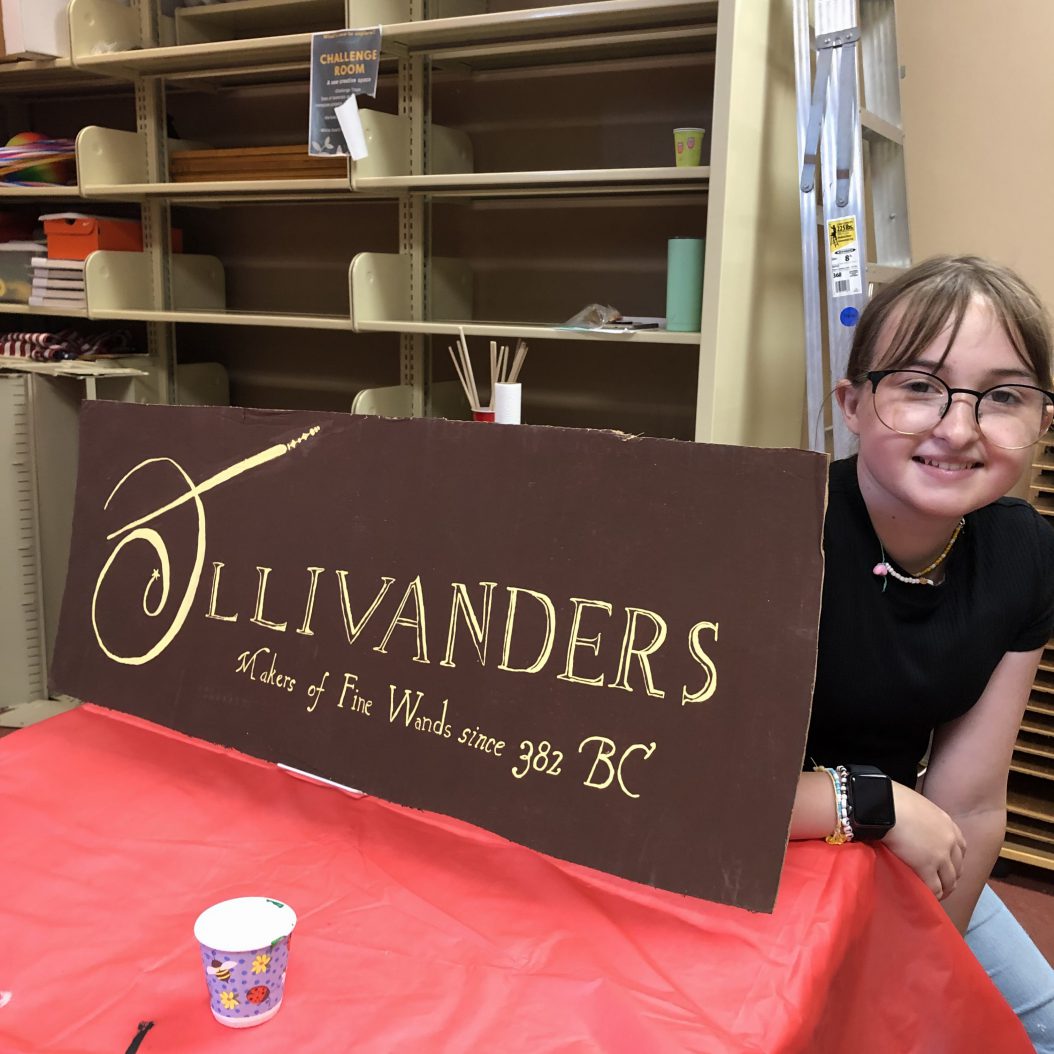
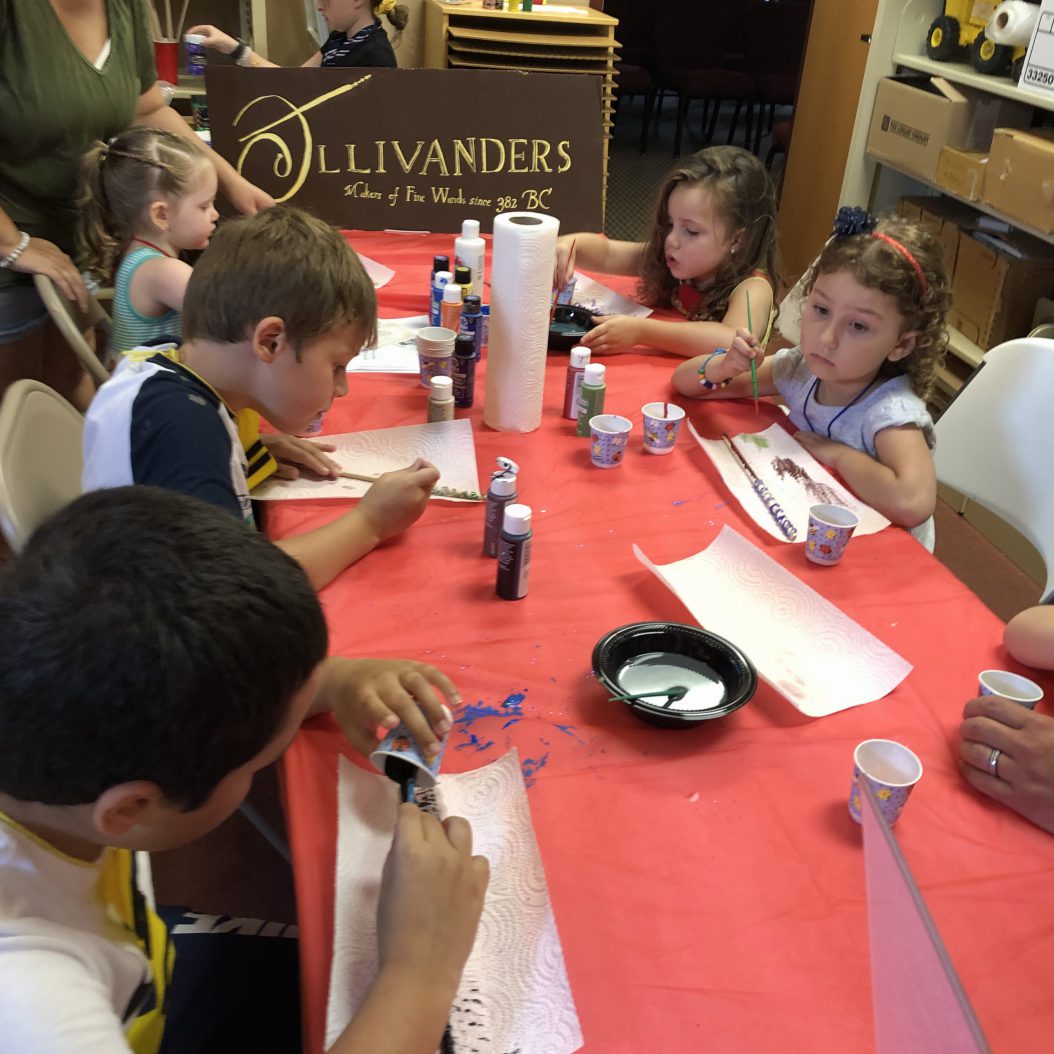
Come to Ollivanders for a unique wand.

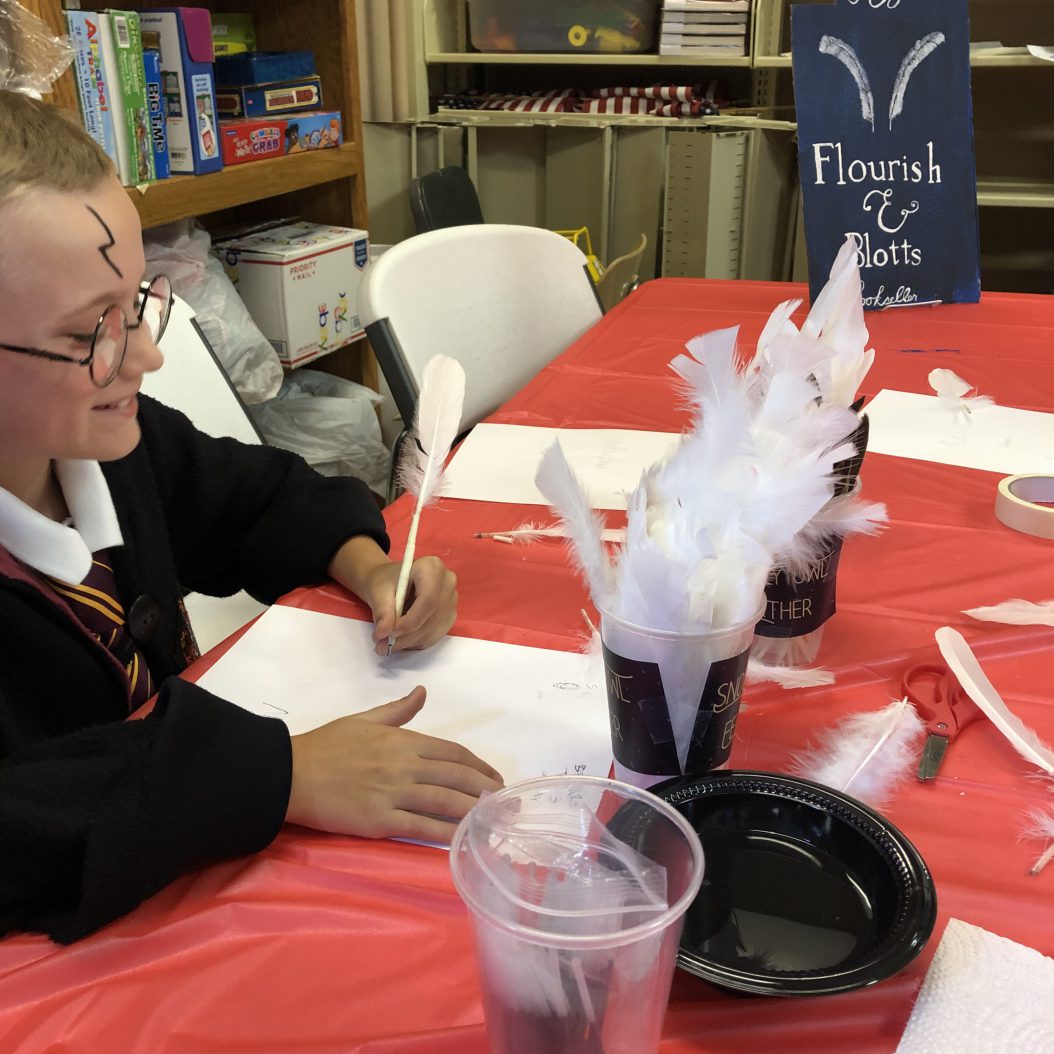
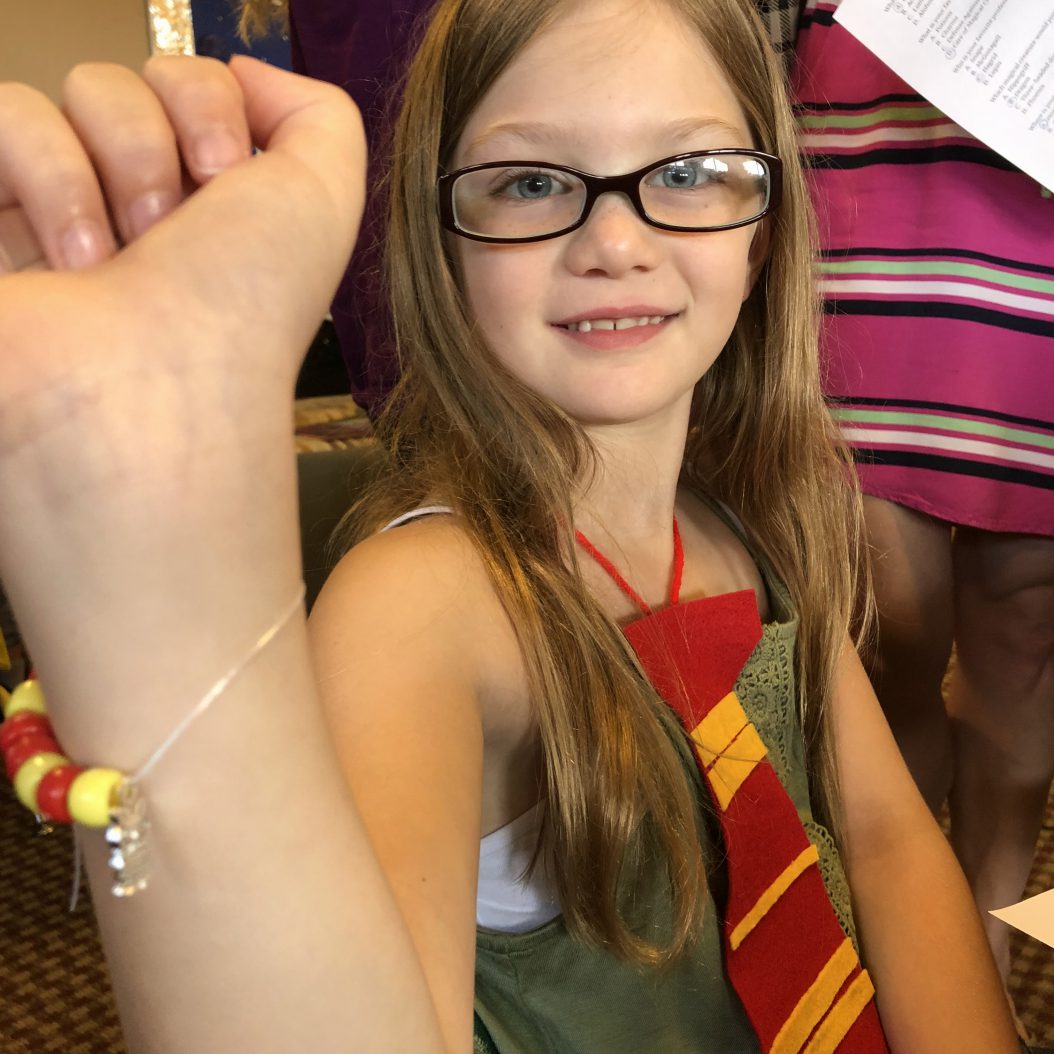
Upon entering the library, Harry Potter enthusiasts were sorted into houses and received a house tie, acceptance letter, and ticket to the Hogwarts Express. After this, some chose to explore Diagon Alley first so they could make their own wand and feather quill pen.

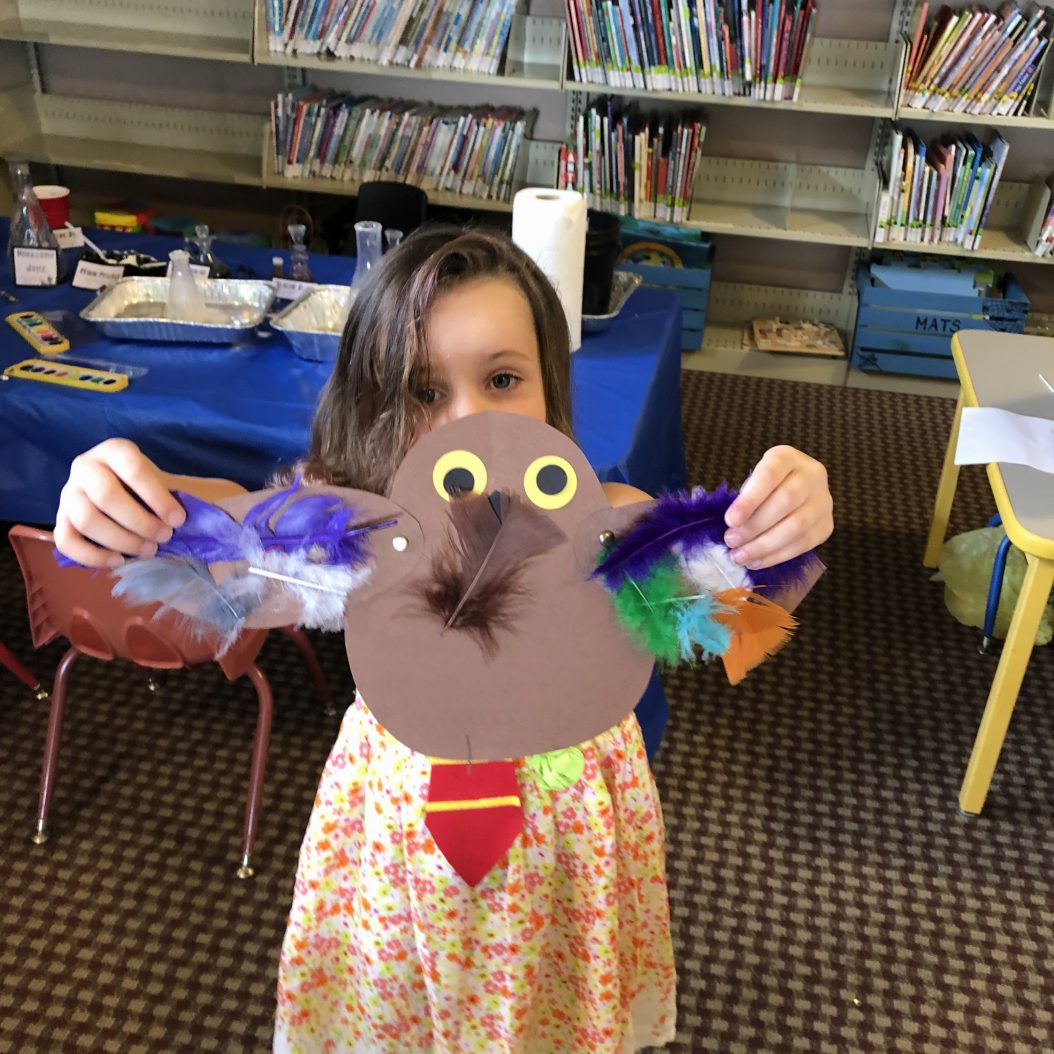
Attendees could choose a hippogriff feather, snowy owl feather, or tawny owl feather for their quill pens.
Painting wands at Ollivanders.

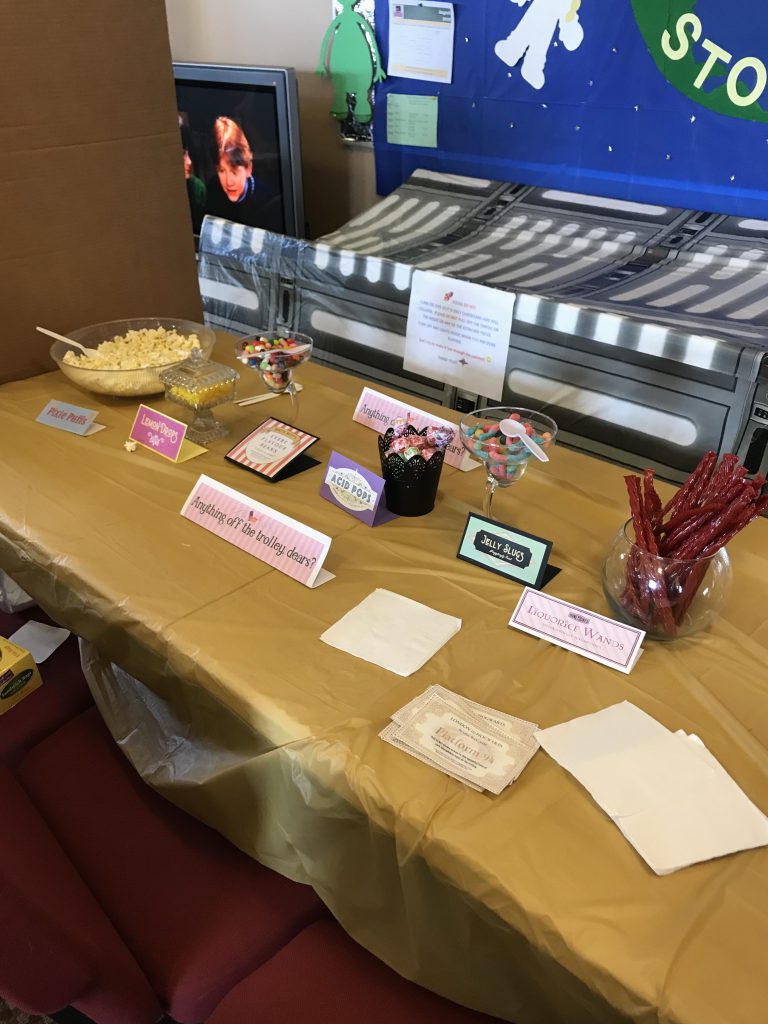
Waiting in the Children’s Room was an assortment of classes and activities found at Hogwarts School of Witchcraft and Wizardry. Before arriving at Hogwarts, participants jumped on the Hogwarts Express and turned in their tickets in order to receive a treat from the Honeydukes Trolley.

Treats on trolley included Acid Pops, Licorice Wands, Pixie Puffs, and Jelly Slugs!

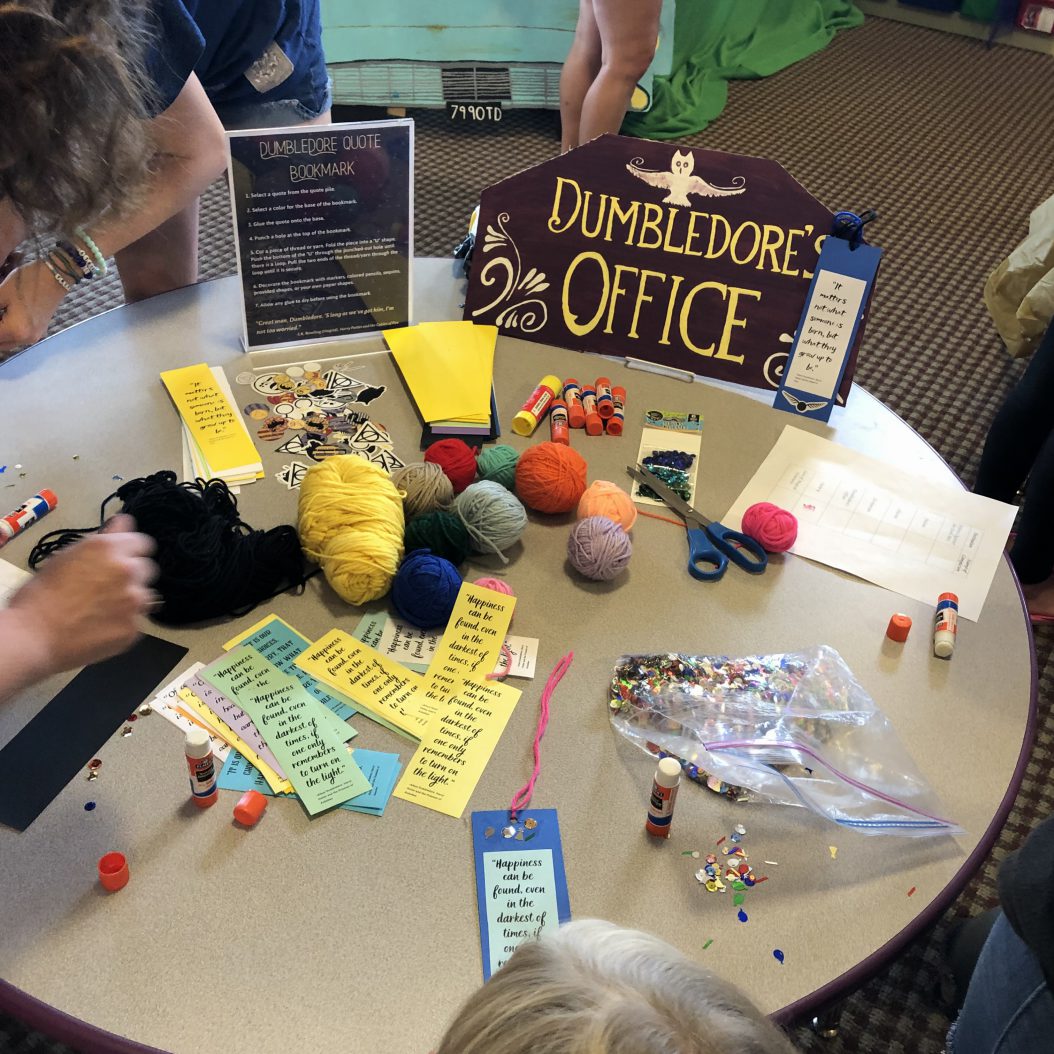
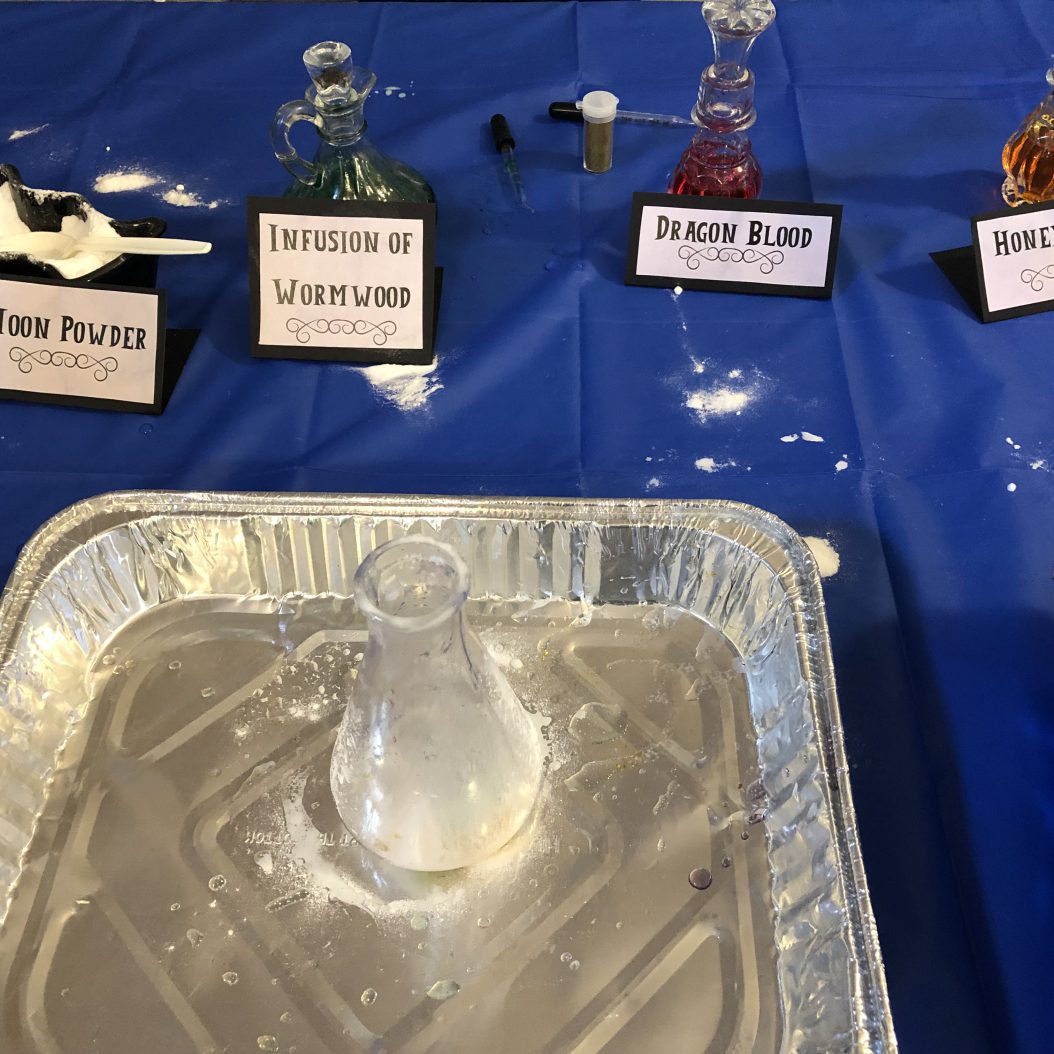
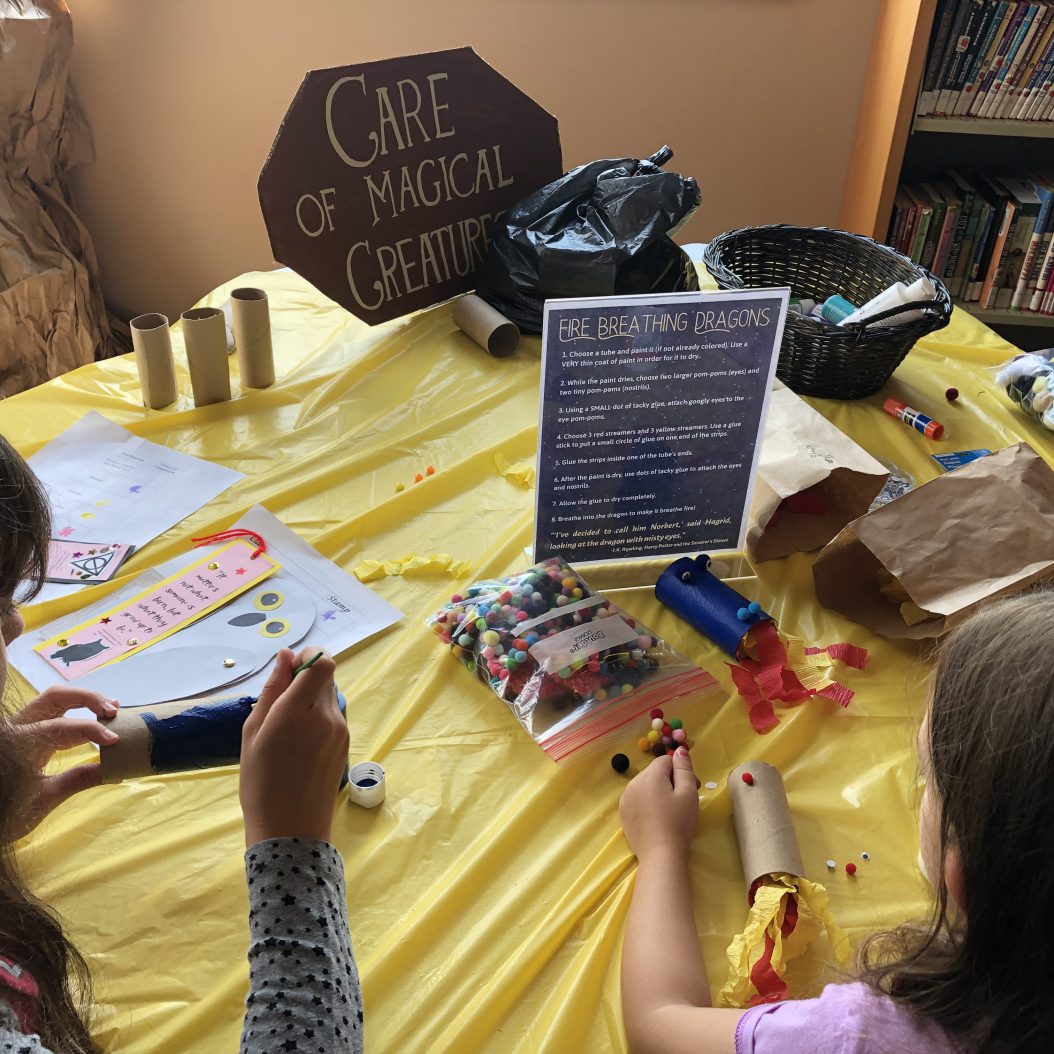
After fueling up, patrons experienced classes such as Potions, Charms, Defense Against the Dark Arts, Care of Magical Creatures, and Divination. They even visited Dumbledore’s Office and the Owlery. At each destination, they collected stamps on the back of their acceptance letters in order to receive a Honeydukes treat bag and prize on the way out.

Dumbledore Quote bookmarks were made in Dumbledore’s Office.
Potions class.
Fire-breathing dragons in Care of Magical Creatures.
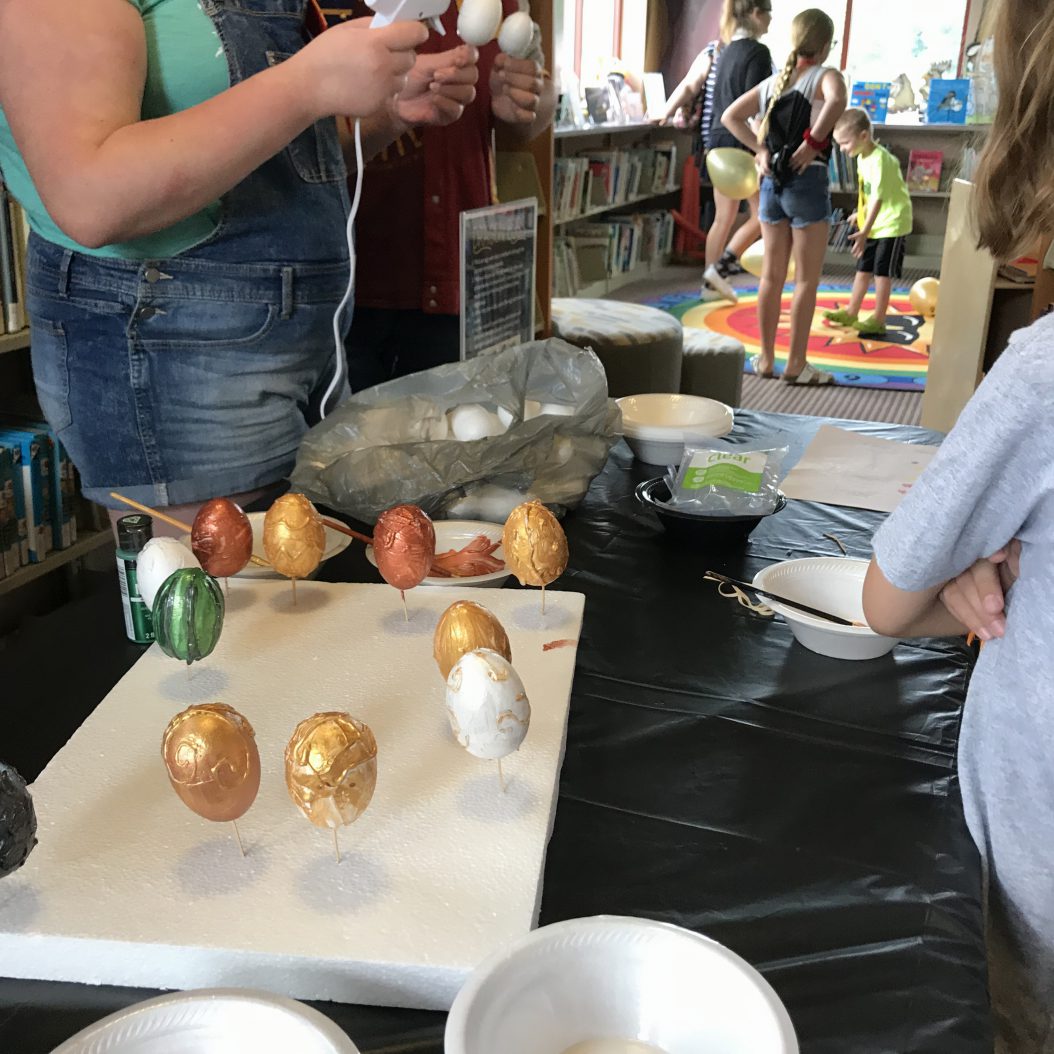
Dragon egg creations.

The months of preparation for this day were well worth it as attendees of all ages posed for photobooth pictures, made dragon eggs, and took advantage of activities where they could express their passion for the wizarding world and the characters of this timeless story. Some patrons were thrilled to discover that Hogwarts was awaiting them on what they believed to be an ordinary visit to the library. Others arrived promptly at Noon in anticipation of the fun that awaited them.

The success and joy of this day was made possible by the many patrons who support us and the volunteers who devoted their Wednesday to bringing Harry Potter’s world to life at the library. See you all next year!

“Hogwarts will always be there to welcome you home.”― J.K. Rowling

For more photos from the Harry Potter day and information on upcoming events, follow us on Facebook, Twitter, and Instagram.

  • Previous
  • 1
  • 2
  • 3
  • Next

Upcoming Rostraver Events

  • Gingerbread Haunted Houses
    When:Friday, October 23, 2026 - 5:30 PM - 5:30 PM;...
  • Adult and Senior Chair YOGA
    When:Monday, October 26, 2026 - 10:30 AM - 10:30 A...
  • RPL Knitters
    When:Monday, October 26, 2026 - 1:00 PM - 1:00 PM;...
  • Tiny Tykes Tadpoles
    When:Wednesday, October 28, 2026 - 10:30 AM - 11:0...

Catalog

Libby

Power Library

Newsletter

Rostraver Library Hours

Monday – Thursday 10:00 am – 7:00 pm
Friday 10:00 am – 1:00 pm
Saturday 9:00 am – 4:00 pm
Sunday Closed

Follow Us

Facebookinstagram

CONTACT

Rostraver Public Library

700 Plaza Drive

Rostraver Township, PA 15012

Phone: 724-379-5511

Fax: 724-379-6090

Email: rostraver@wclibraries.org

⠀

Smithton Public Library

615 Center Street

Smithton, PA 15479

Phone: 724-872-0701

Email: smithton@wclibraries.org

© 2026 Rostraver Public Library & Smithton Public Library | Powered by Minimalist Blog WordPress Theme